ADOBE FRAMEMAKER 10
MIF Reference
259
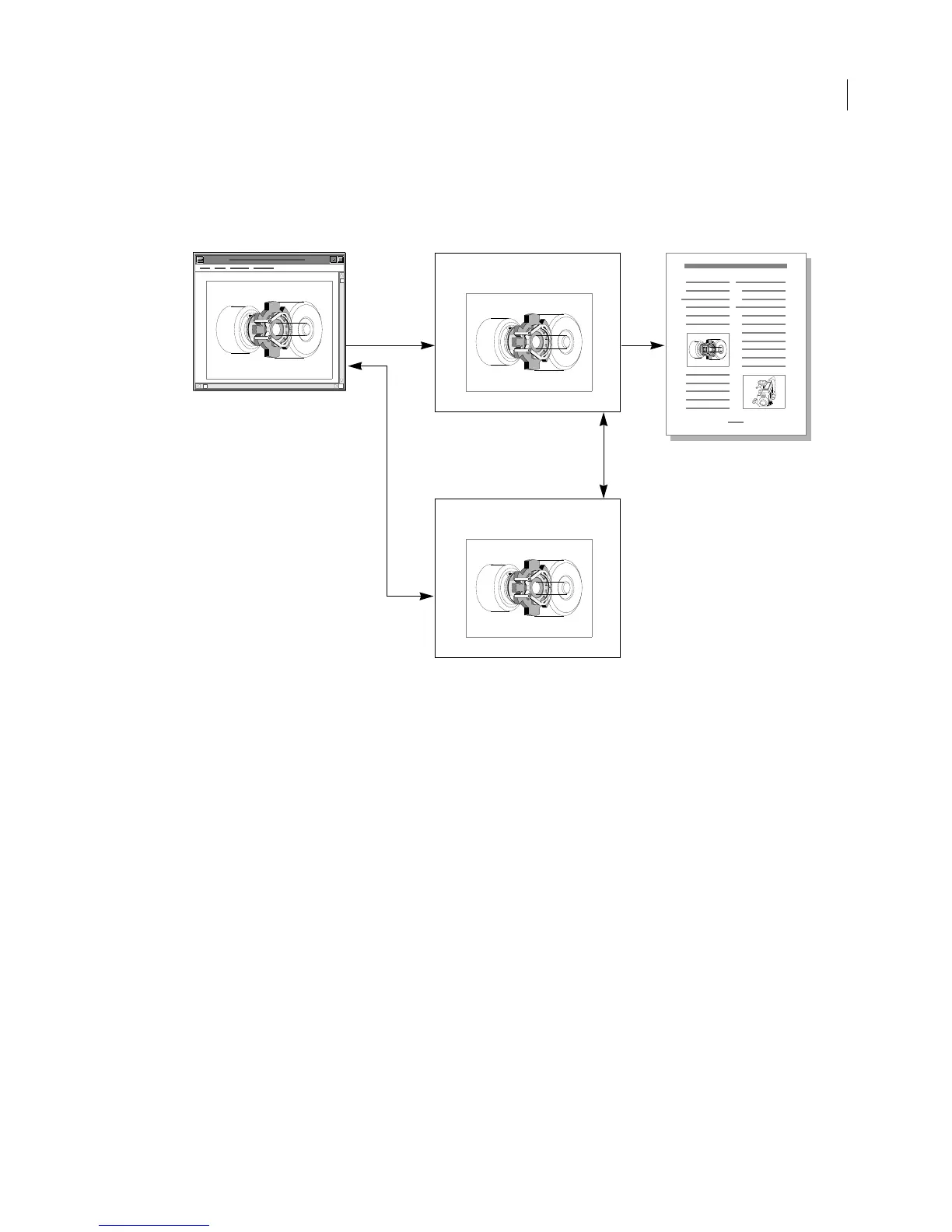
Remote application-specific facets
A remote application-specific facet contains the pathname or database key for an existing data file or database. Since
application-specific data is normally duplicated in a separate application file, remote facets conserve file space.
Because the application-specific facet contains only a pathname, remote facets are easier to implement.
Note: Display and print facets must be contained in the graphic inset file. They cannot be remote facets.
To write a remote facet, your graphic application must write an application data file and store its data type and
pathname in the graphic inset file. A remote application-specific facet has the following format:
=facet_name
&facet_type
&path_for_facet_file
=EndInset
For example, the following lines describe the remote facet described in the application data file
/diagrams/BlockDiagram
:
=application_name.facet
&%v
&/diagrams/BlockDiagram
=EndInset
Example of graphic inset file
The following example is the external graphic inset file generated by the fmbitmap program, which is shipped with
the UNIX version of the FDK.
The graphic inset file is named
/tmp/default.fi. The application-specific facet for this graphic inset (the file
generated by the
fmbitmap program) is stored in a remote facet in the file /tmp/default.
Application-specific facet
Display and print facet
Graphic inset with a remote
application-specific facet
Your graphic
application
FrameMaker document
Remote application-specific facet data



 To Next Page