ADOBE FRAMEMAKER 10
MIF Reference
28
Straddle cells
The contents of a straddle cell cross cell borders as if there were a single cell. You can straddle cells horizontally or
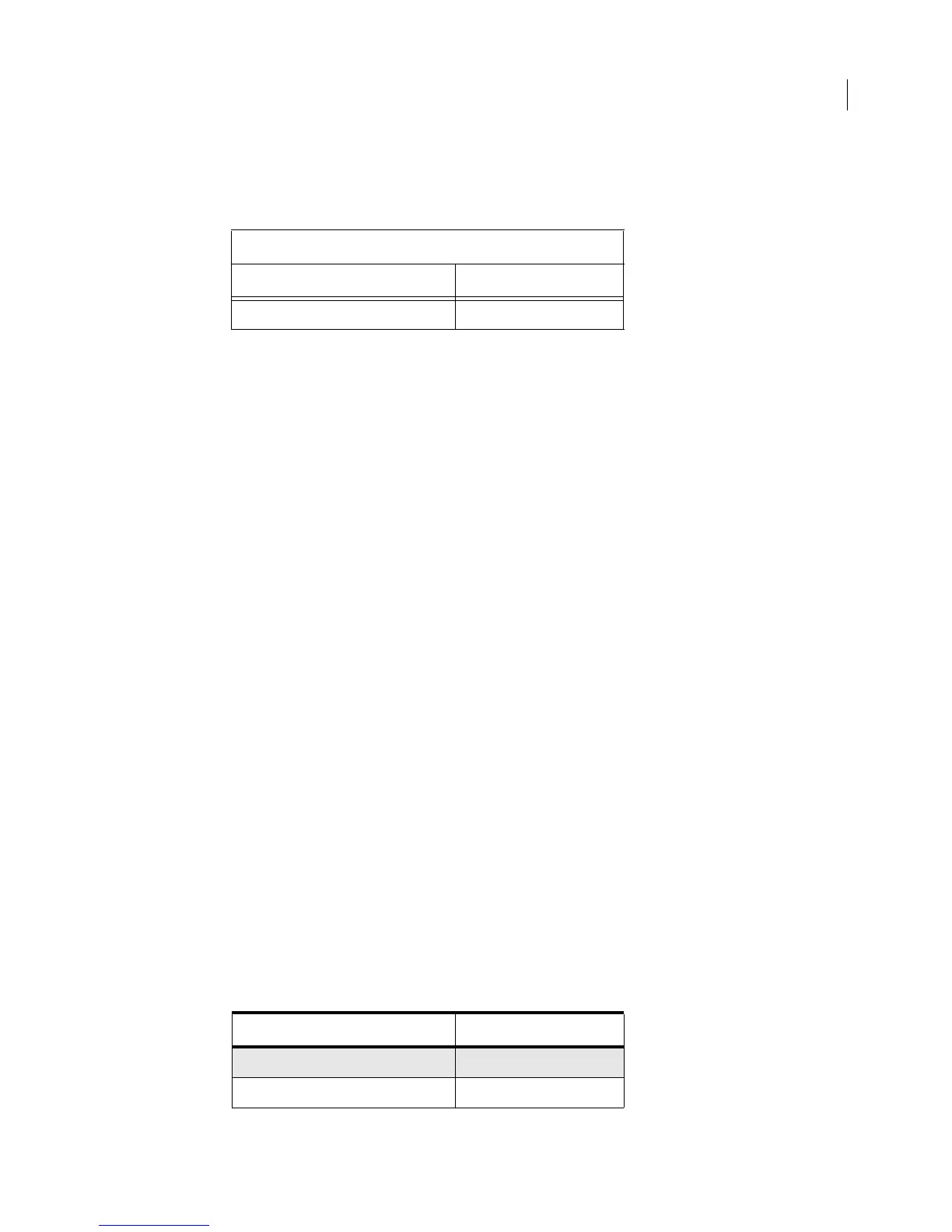
vertically. The following table includes a heading row that straddles two columns:
The MIF code for the straddle cell includes a
CellColumns statement that specifies the number of columns that the
cell crosses. The contents of the straddle cell appear in the first of the straddle columns; the subsequent
Cell state-
ments for the row must appear even if they are empty.
<Row
<Cell
<CellColumns 2> # Number of straddle columns.
<CellContent # Content is in the first cell.
<Para
<PgfTag `CellHeading'>
<ParaLine
<String `Brazilian Coffee'>
>
> # end of Para
> # end of CellContent
> # end of Cell
<Cell # Second cell appears, even though
<CellContent # it is empty.
<Para
<PgfTag `CellHeading'>
<ParaLine>
> # end of Para
> # end of CellContent
> # end of Cell
> # end of Row
If the cell straddles rows, the substatement is CellRows.
Creating a table format
A table format includes the following properties:
• The properties specified by the Table Designer
• These include the row and column ruling and shading styles, the position of text within cell margins, the table’s
placement within the text column, and the table title position.
• The number and widths of columns
• The paragraph format of the first paragraph in the title (if there is one)
• The paragraph format of the topmost paragraph in the heading, body, and footing cell of each column
For example, you could change the format of the previous table to include shaded rows and a different ruling style:
Brazilian Coffee
Coffee Price per Bag
Brazil Santos $455.00
Coffee Price per Bag
Brazil Santos $455.00
Celebes Kalossi $924.00



 To Next Page