Security System Operation (cont'd)
14
SCREEN ACTION
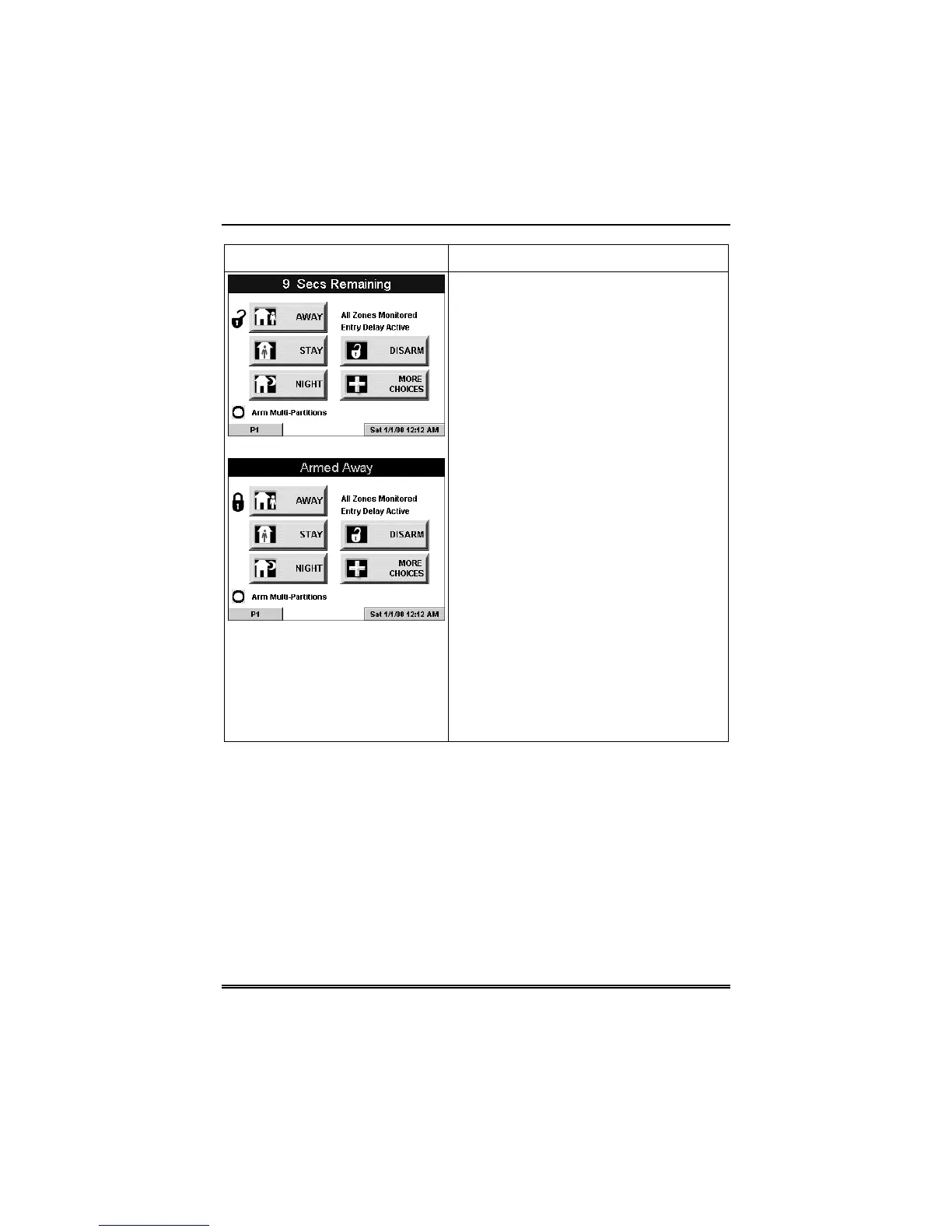
Arming (typical)
Armed (typical)
2. On the "Arming" screen, press the
selected arming button.
o The FA700KP-ADS beeps twice
(Away and Night Maximum Modes) or
3 times (Stay and Night Instant
Modes)
o a DISARM button appears
o a text message appears stating
which zones are arming and whether
or not there is an exit delay
o the screen changes to display
the remaining exit delay time, and
o an "open lock" appears next to
the pressed button to indicate the
system is arming.
o The exit delay time continues to
decrement to one.
When exit delay time expires, the screen
automatically changes to indicate the
system is "Armed" and the "lock" next to
the pressed button changes to a closed
lock. The system is now armed in the
selected mode.



 To Next Page