Security System Operation (Cont'd)
17
How to Bypass Zones
The Bypass function is used when you want to arm your system with
one or more zones left open. Bypassed zones are unprotected and will
not cause an alarm when violated while your system is armed.
• The system will not allow you to bypass fire or emergency zones.
• To bypass zones, the system must be disarmed first.
To bypass zones do the following:
SCREEN ACTION
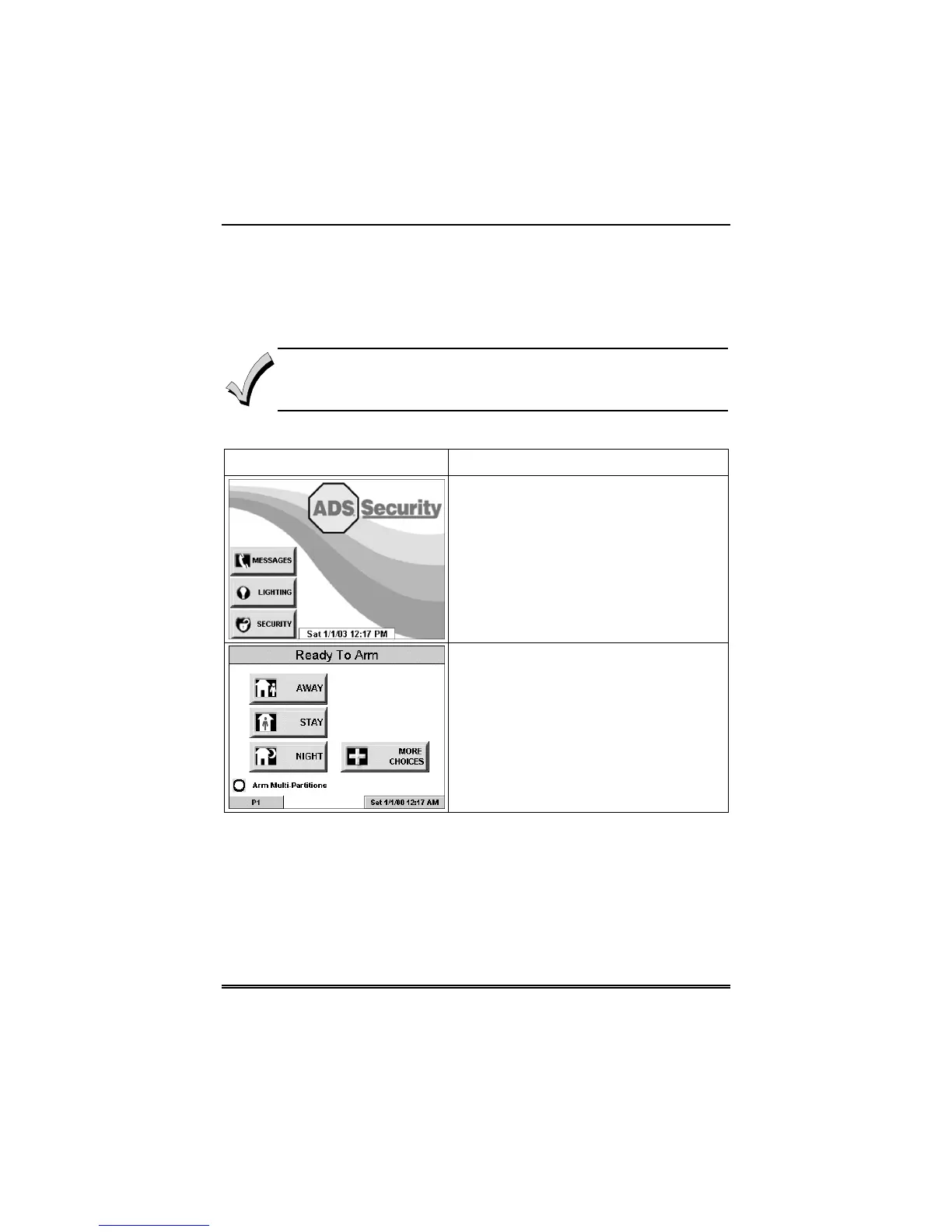
1. From the "Home" screen, press the
SECURITY button. The "Arming" screen
is displayed.
2. From the "Arming" screen, press the
MORE CHOICES button. The "More
Choices" screen is displayed.



 To Next Page