13
Security System Operation
Introduction to Security System Operation
You can arm your system in one of three arming modes: Away, Stay,
and Night. The following table lists the three different arming modes
and the results of each.
FEATURES FOR EACH ARMING MODE
Arming
Mode
Exit
Delay
Entry
Delay
Perimeter
Armed
Interior
Armed
Away Yes Yes Yes Yes
Stay Yes Yes Yes No
Night* Yes Yes (set for Away or
Stay Mode)
No (set for Instant or
Maximum Mode)
Yes Yes (set for Away
Mode)
No (set for Stay,
Instant or
Maximum Mode)
*Your installer may have configured Night Mode differently; have
your installer write the actual mode settings above.
How to Arm the System
Arming the system in any mode is performed in the same way, as
described below.
Note: Close all perimeter windows and doors before arming.
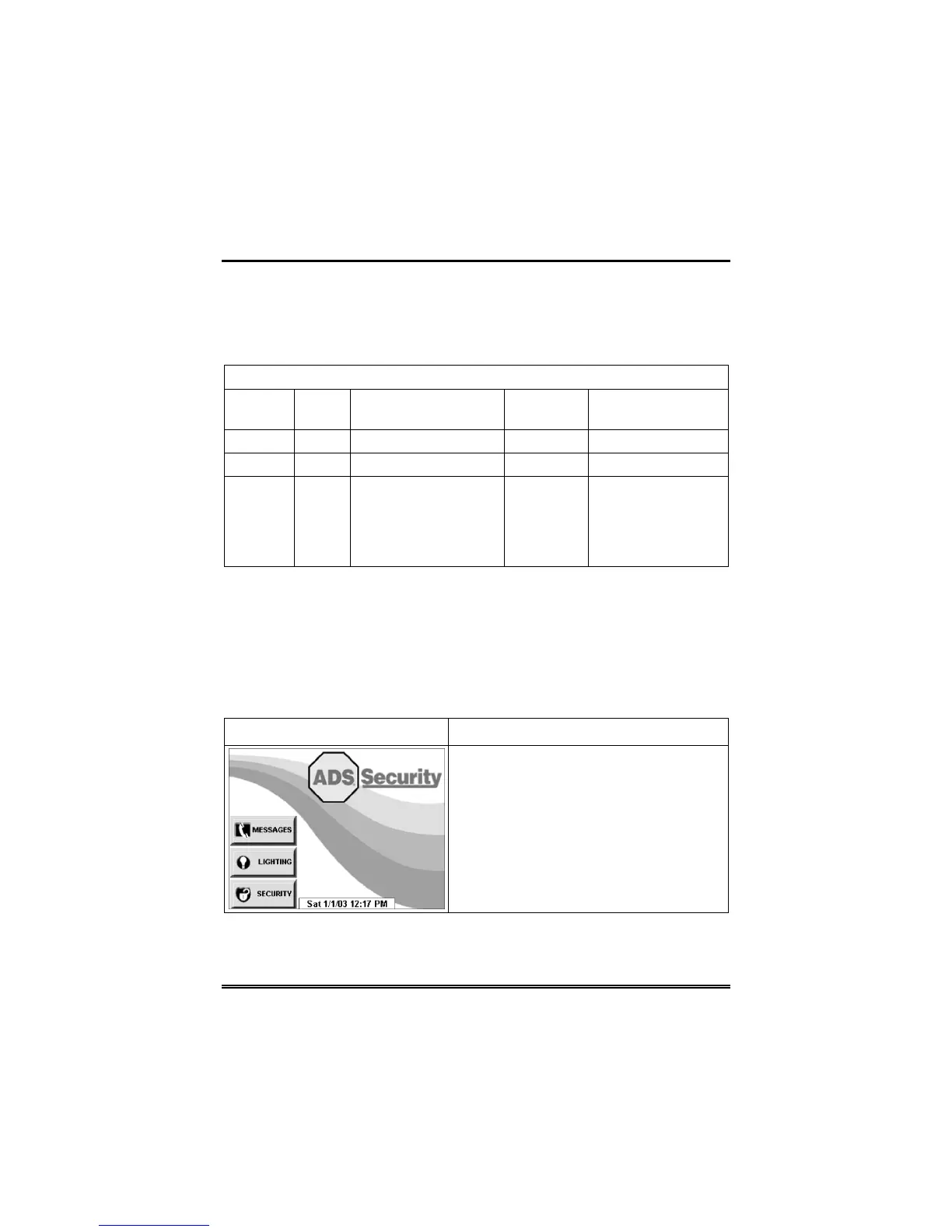
SCREEN ACTION
1. From the "Home" screen, press the
SECURITY button. The "Arming" screen
is displayed.



 To Next Page