FA700KP-ADS Setup (Cont'd)
51
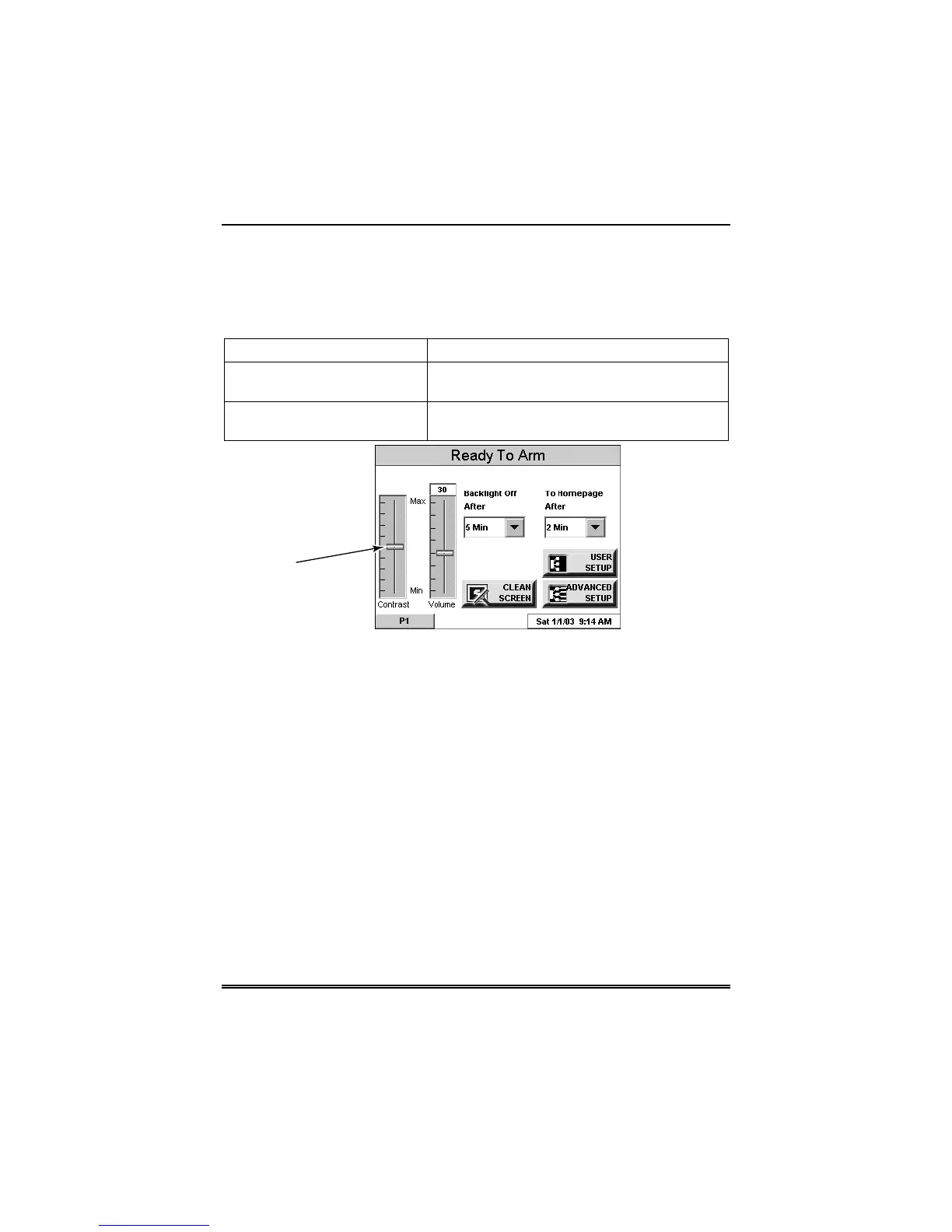
How to Adjust the Volume
You may adjust the FA700KP-ADS speaker volume by pressing your
finger on the TouchCenter slide bar associated with the "Volume"
scale and doing the following:
If… Then…
you want to increase volume move the slide bar above the current volume
setting.
you want to decrease volume move the slide bar below the current volume
setting.
VOLUME
SLIDE BAR
INDICATOR
6270-007-V1
FA700KP-ADS Volume Control



 To Next Page