Security System Operation (cont'd)
26
How to Send Emergency Messages
• Emergency messages are optional and may not be available on your
system. Ask your system installer if emergency messages are
available on your system.
• The Emergency screen cannot be accessed while running a
diagnostic test.
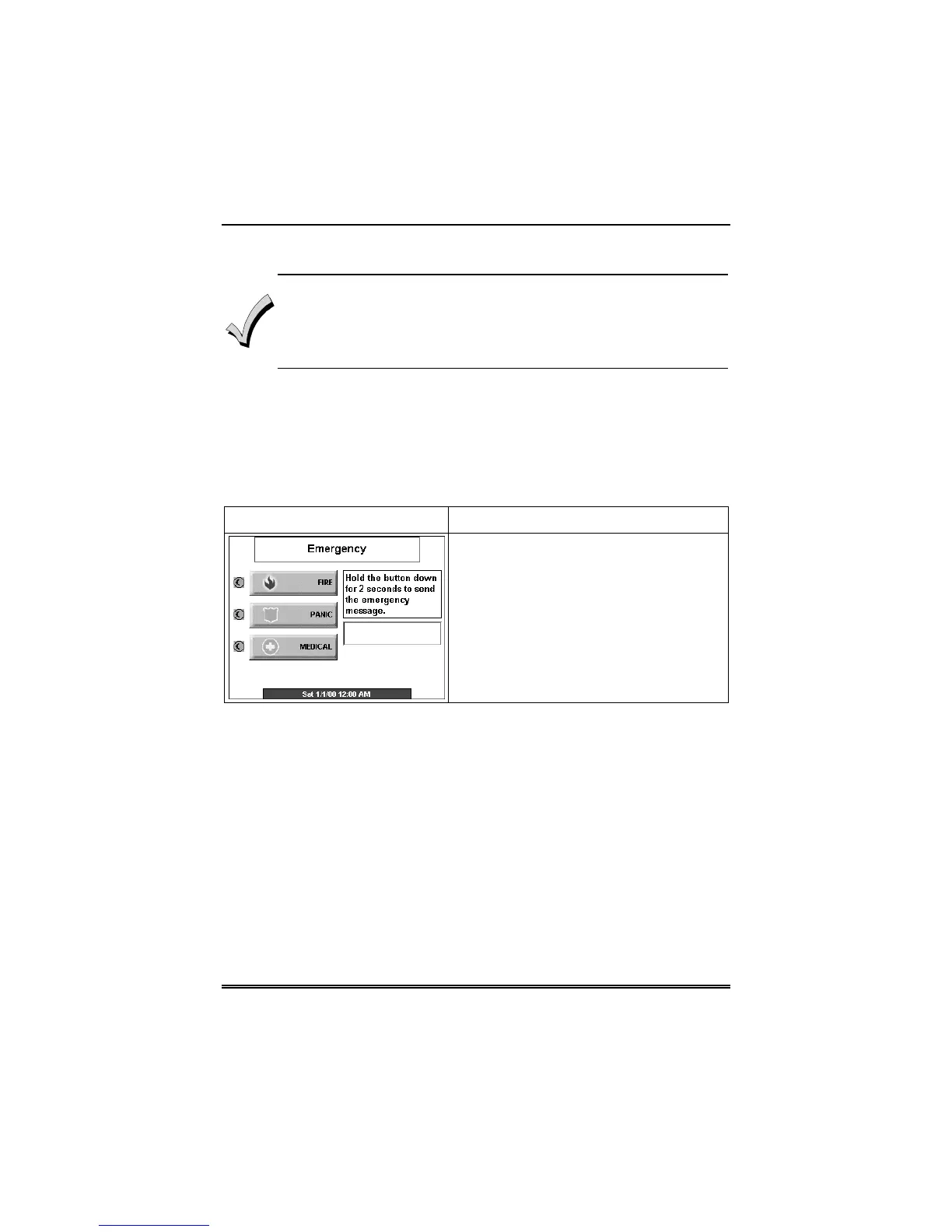
An emergency message for panic or fire can be sent to the central
monitoring station from the Emergency screen. The Emergency
screen can be accessed by activating the "PANIC" button located
below the screen.
Once the Emergency screen is accessed, perform the following to
send an emergency message.
SCREEN ACTION
On the Emergency screen press and hold
(for at least 2 seconds) the associated
alarm button for the type of emergency
message you want to send (FIRE, PANIC,
or MEDICAL). When the message is
sent, the associated "Message Sent"
statement is displayed in the text box to
the right of the buttons. You are
immediately returned to the screen from
which you pressed the “PANIC” button.



 To Next Page