Security System Operation (Cont'd)
25
SCREEN ACTION
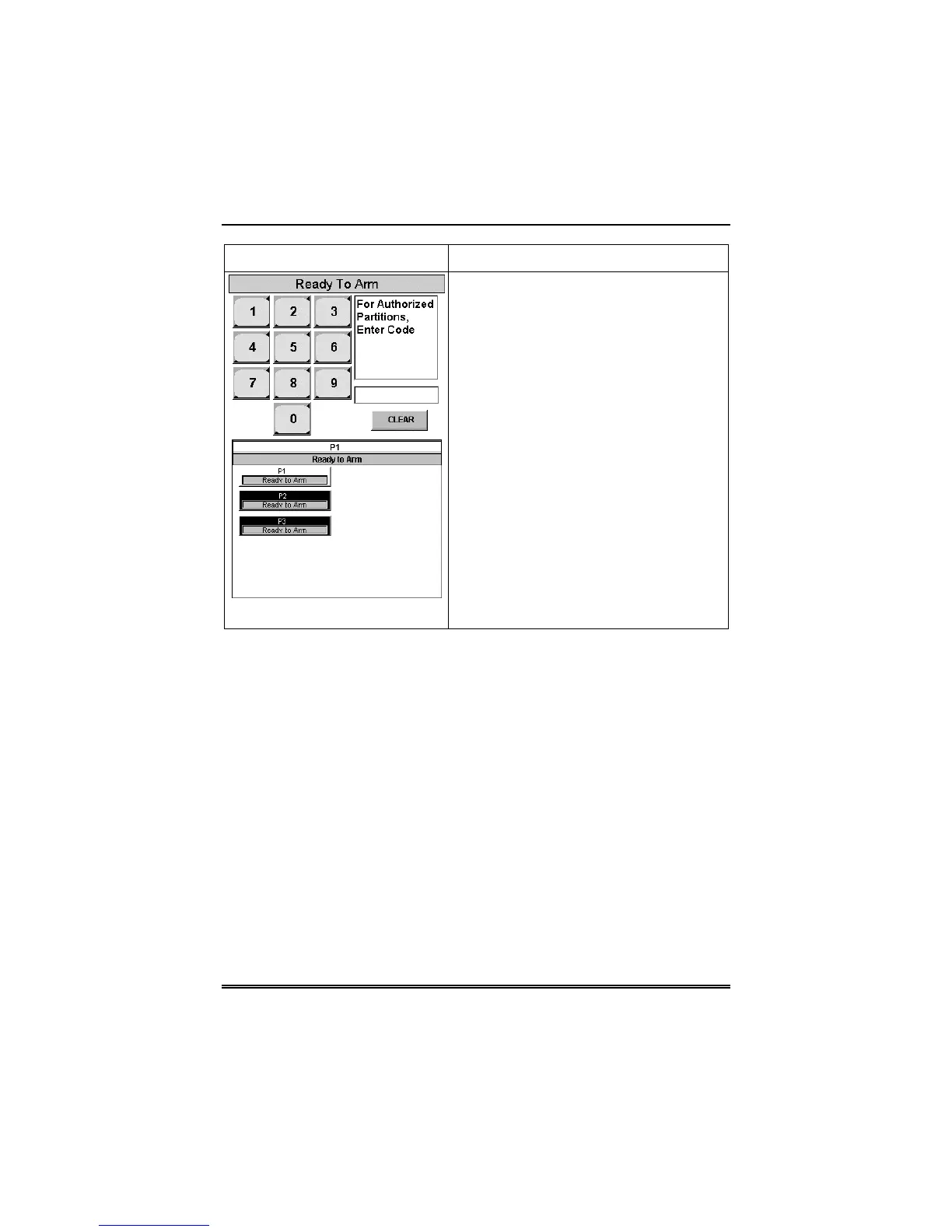
3. Enter the code authorized to access
other partition(s).
If the code is accepted, the system
displays the partitions that user has
access to.
Note: A code may have access to some
(but not all) of the available partitions.
This screen displays the available
partitions (in this case, Partitions 1, 2, and
3), and their current status.
The current partition is shown at the top of
the display (in this example, the device is
attached to Partition 1 (P1)). To change
this assignment, select the appropriate
button (e.g. press P2 to switch control to
Partition 2).



 To Next Page