User Code Setup (cont'd)
38
SCREEN ACTION
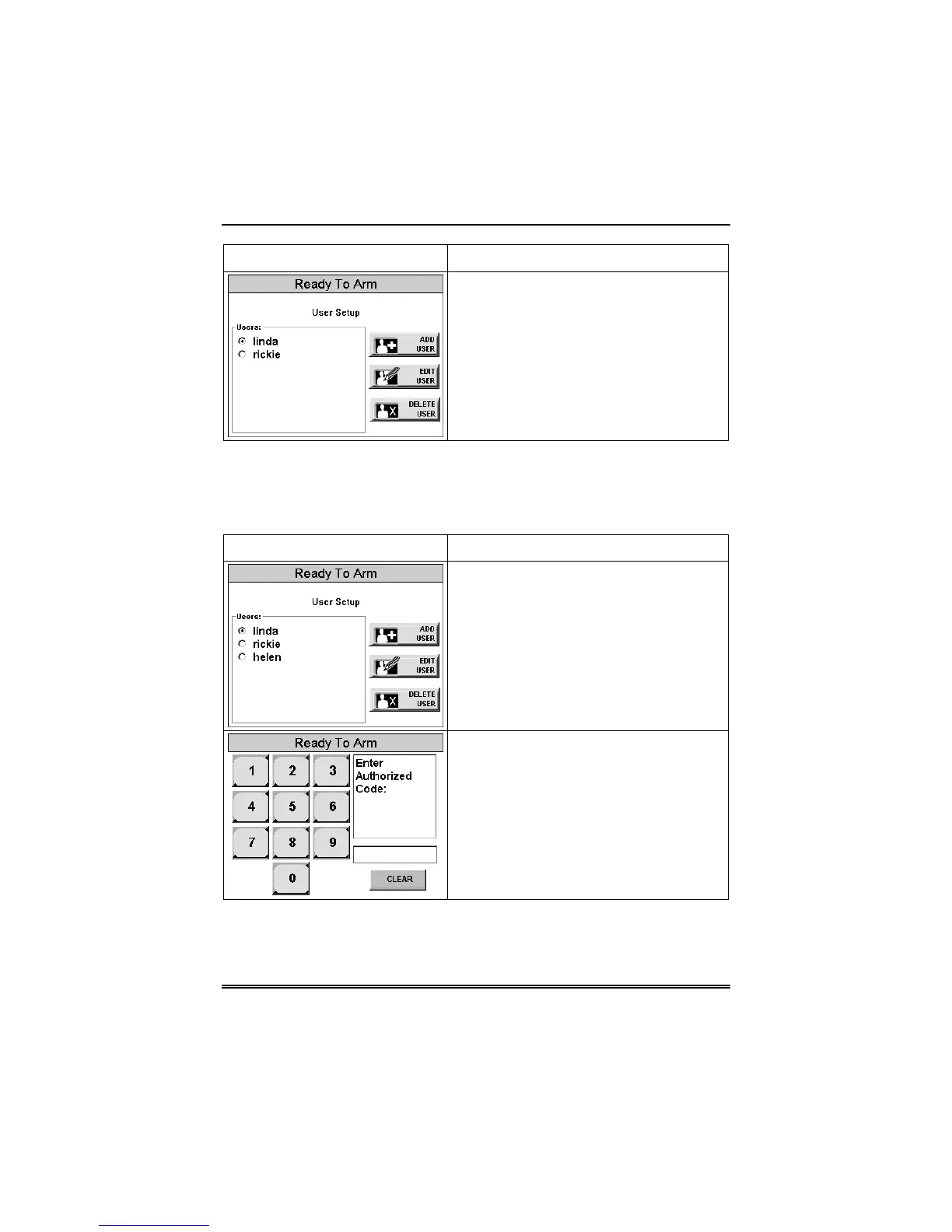
How to Edit a User
Edit a user as follows:
SCREEN ACTION
1. From the User Setup screen, touch
the circle next to the user to be edited and
press the EDIT USER button. The "User
Authorization" screen is displayed with the
instructions "Enter Authorized Code:".
2. Enter your Authorized code. The “User
Options” screen is displayed.
Note: The authorized code for editing
users is dependent upon the system you
have. Check with your system installer to
determine who can edit users.



 To Next Page