Security System Operation (cont'd)
16
SCREEN ACTION
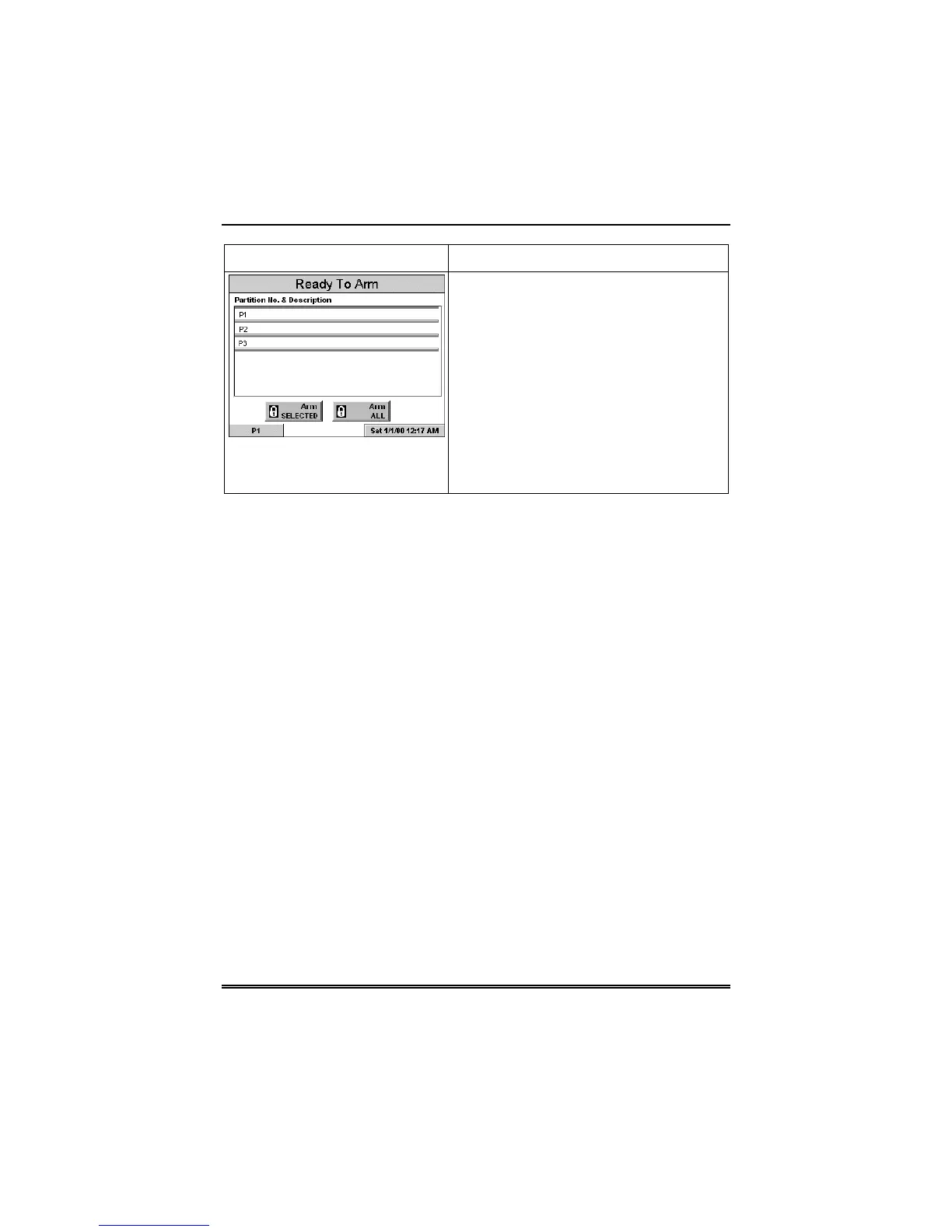
If the user code is accepted, the system
displays the partitions that the user has
access to.
Note: A user may have access to some
(but not all) of the available partitions!
You have two arming options:
To arm one or more partitions, highlight
the partition(s) to be armed by touching it
on the screen, then press ARM
SELECTED.
Press ARM ALL to arm all available
partitions.



 To Next Page