Security System Operation (Cont'd)
21
SCREEN ACTION
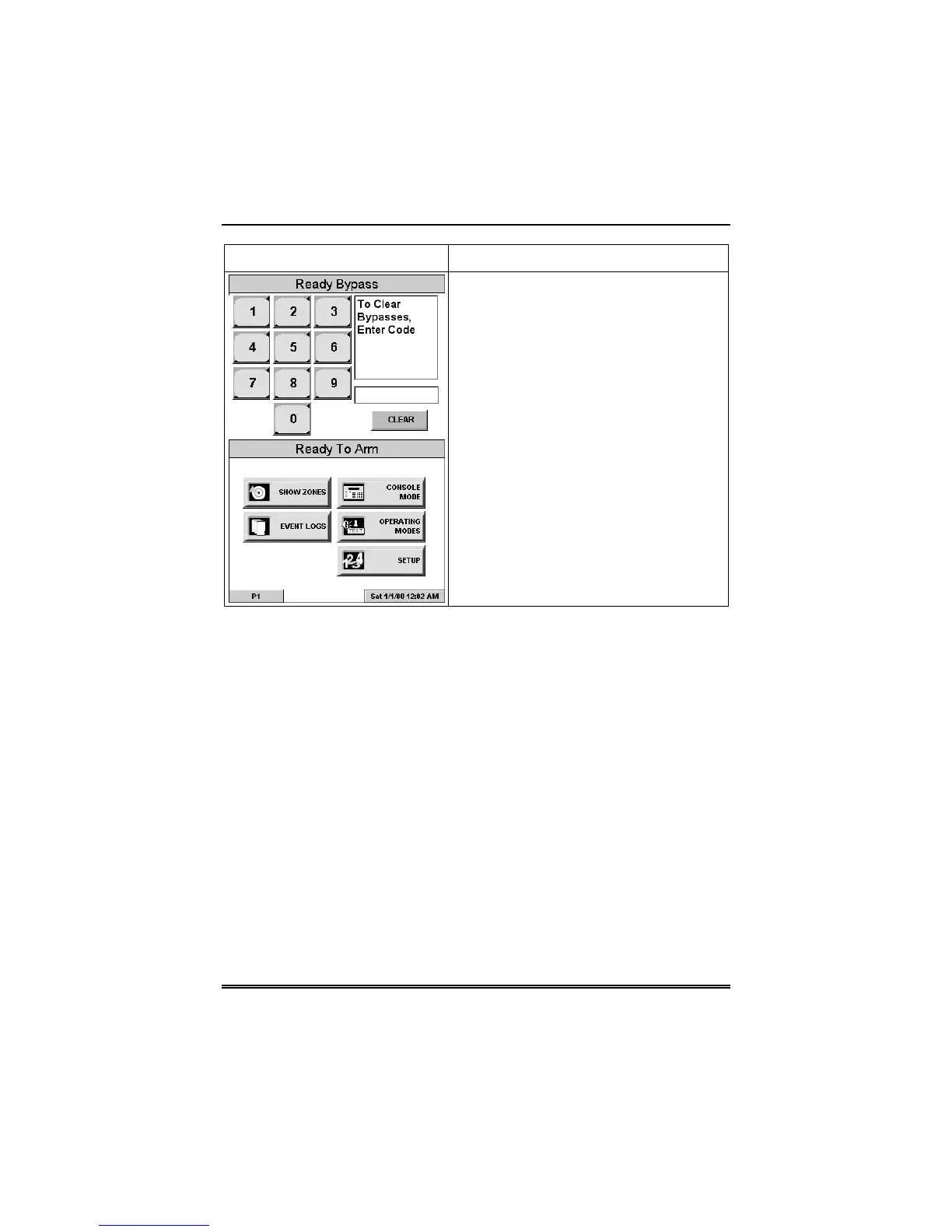
3. The "User Authorization" screen is
displayed with the instructions To Clear
Bypasses, Enter Code.
Note: A zone cannot be unbypassed
while the system is armed.
Enter your 4-digit user code. The "More
Choices" screen is displayed showing the
system as Ready to Arm.
Note: This will not occur if any zone(s) is
open (not ready).



 To Next Page