FA700KP-ADS Operating Modes (cont'd)
58
SCREEN ACTION
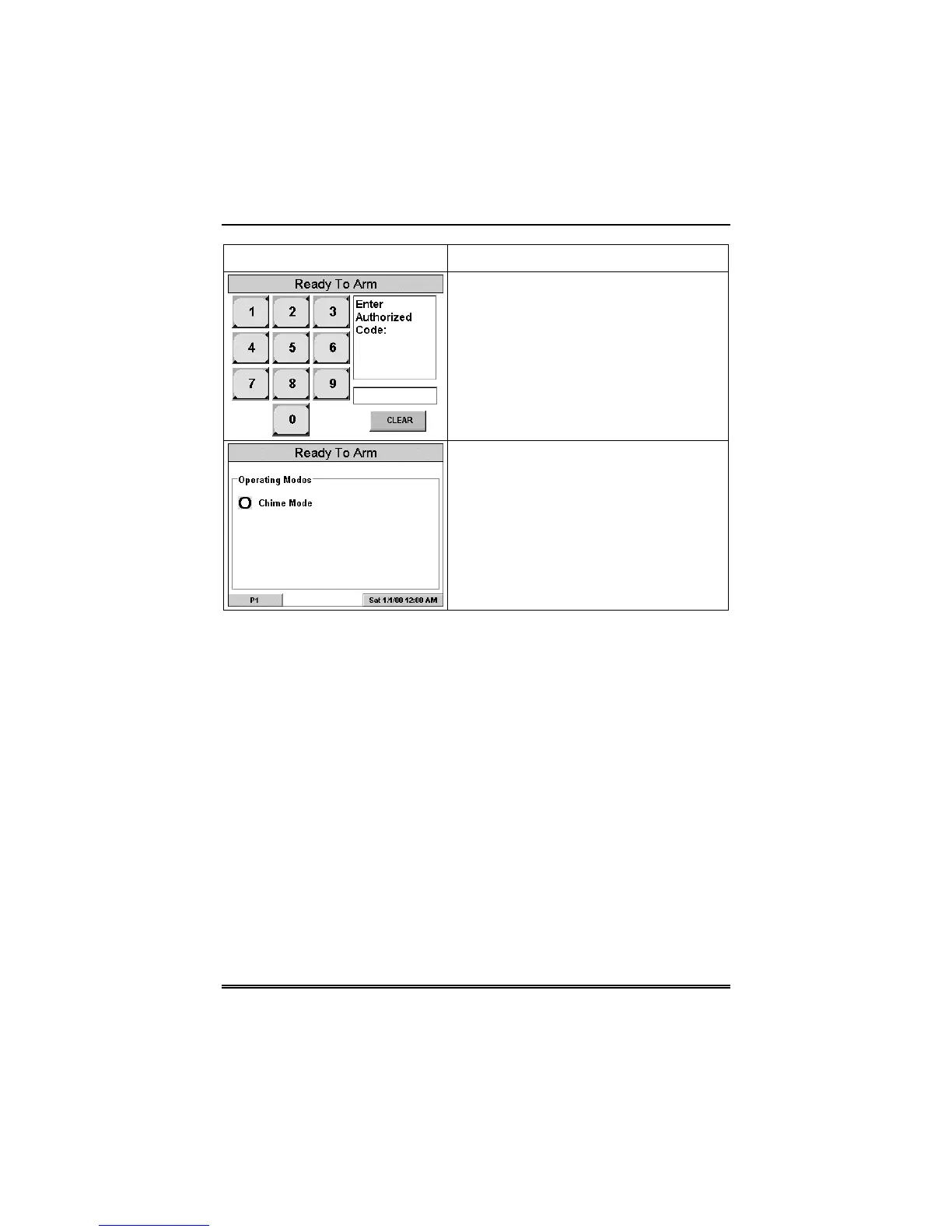
4. Enter your “Master” code. The
"Operating Modes" screen is displayed.
5. Touch the Chime Mode button to turn
the Chime Mode on or off. A checkmark
appears in the button when the Chime
Mode is “ON”.
Press the “HOME” or “BACK” button after
making your selection. When the
FA700KP-ADS exits the “Operating
Modes” screen, your selection is saved.



 To Next Page