ITC8113 / TabX® 25
© ads-tec Industrial IT GmbH • Heinrich-Hertz-Str. 1 • 72622 Nürtingen • Germany
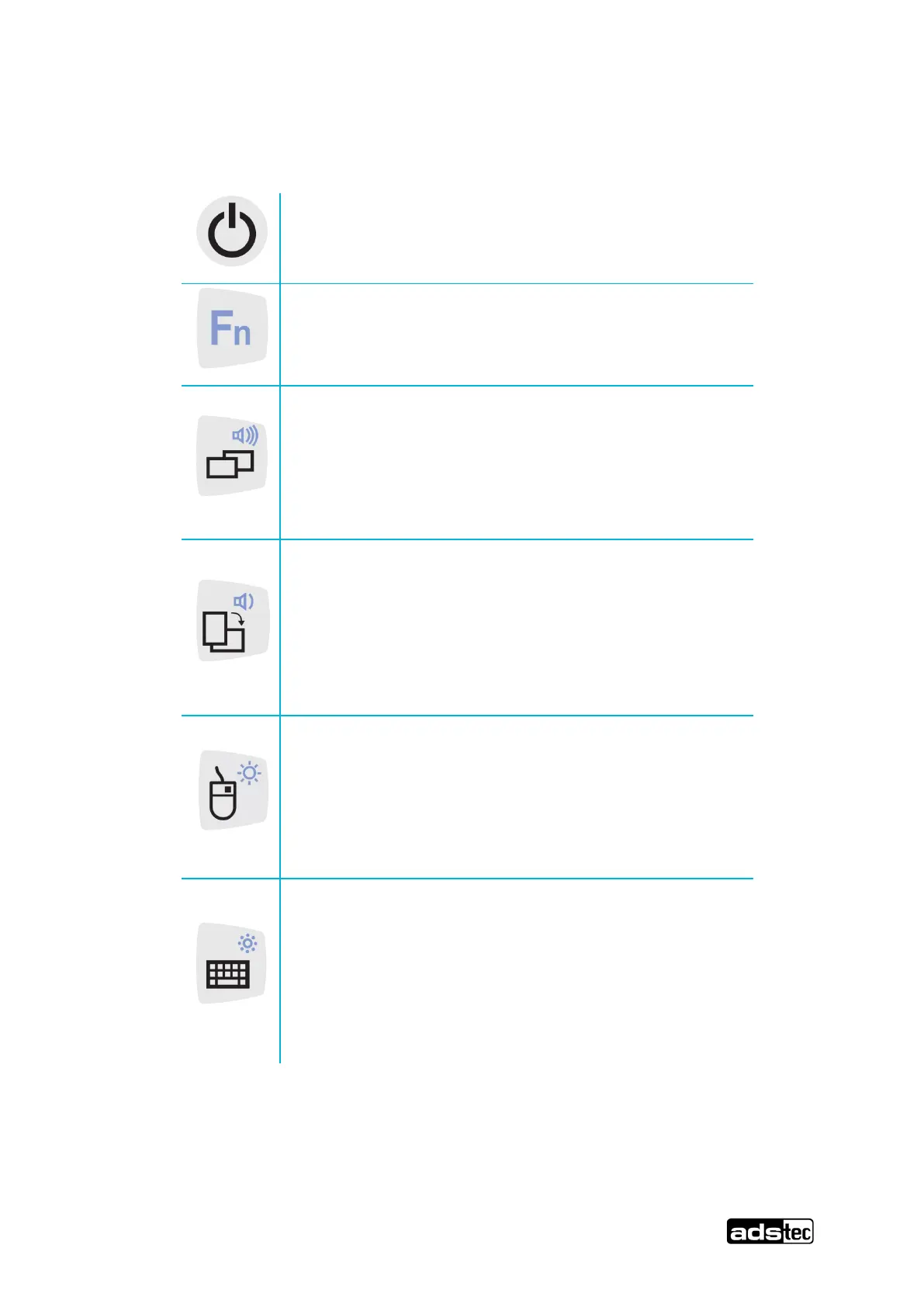
The keys on the front are assigned the following functions by a special driver in the
soft keyboard:
Hold down the ON/OFF pushbutton for 0.5 sec.
Shift key (SHIFT) for activating the second keyboard
level. This key must be pressed simultaneously with
the desired function key.
Change task (Alt+ESC) in Windows
Level 2:
Increase system volume
Switch from landscape display view to portrait display
view
Level 2:
Decrease system volume
Level 1:
Right mouse-key function
Level 2:
Increase display brightness
Level 1:
Activate and deactivate the soft keyboard for
letter/character input by using the touch screen
Level 2:
Decrease display brightness



 To Next Page