ITC8113 / TabX® 27
© ads-tec Industrial IT GmbH • Heinrich-Hertz-Str. 1 • 72622 Nürtingen • Germany
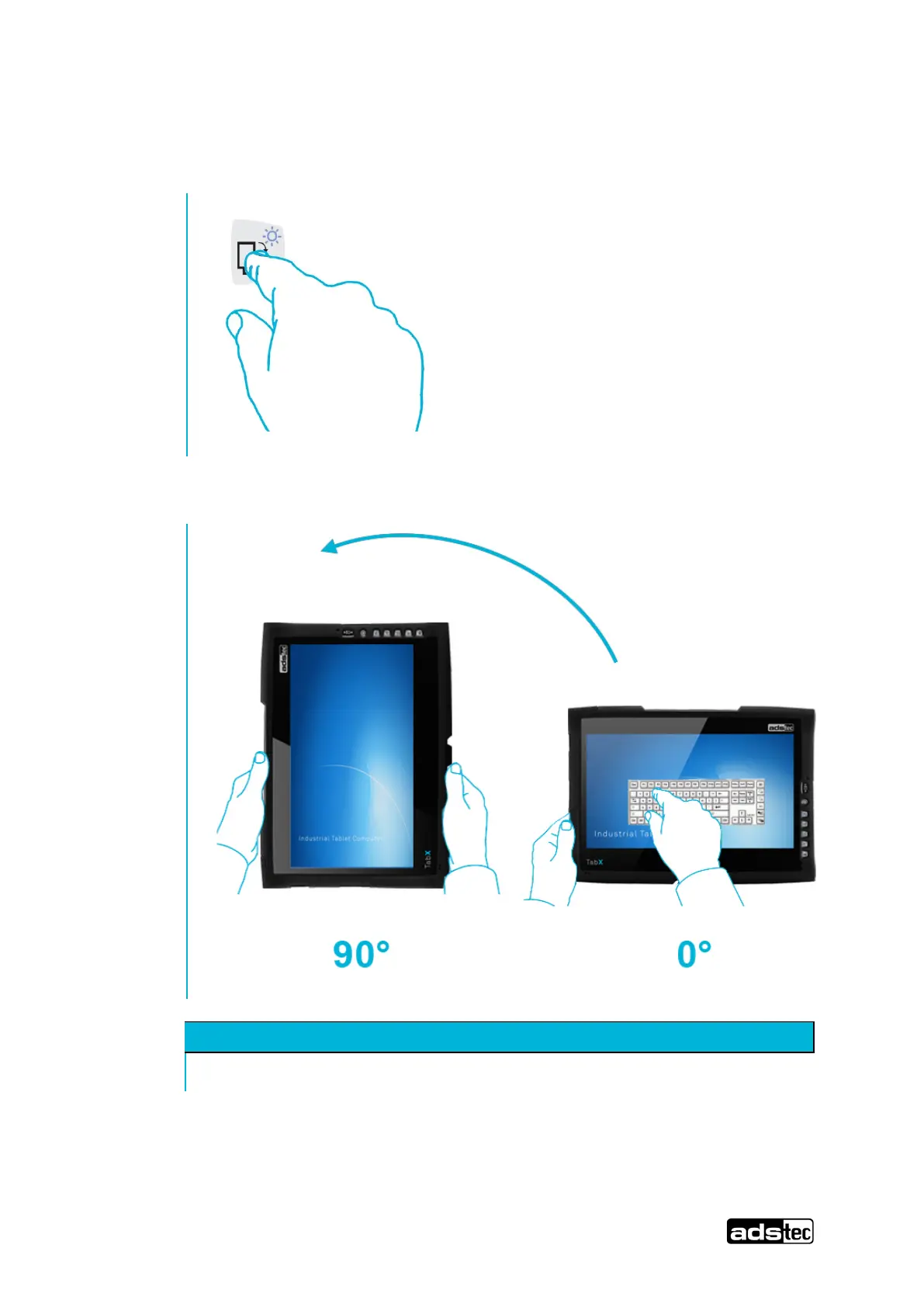
5.5 Landscape/portrait function
Press the Landscape/portrait key to rotate from 0° to 90°.
Press the key again to return to the initial state.
The function ensures that the preset calibration for 0° or 90° is always loaded.
Keep the air outlet at the right near the card slots free of obstruction.
To protect the device from overheating, make certain that the air outlet slots are not
covered or that the air outlet is not impeded.
ouch Scr een/T ou chs cre en f ür VM T 60 xx @ 1\mod _1246361069977_ 6.doc @ 5853 @



 To Next Page