ITC8113 / TabX® 32
© ads-tec Industrial IT GmbH • Heinrich-Hertz-Str. 1 • 72622 Nürtingen • Germany
Querying the battery state / changing the battery
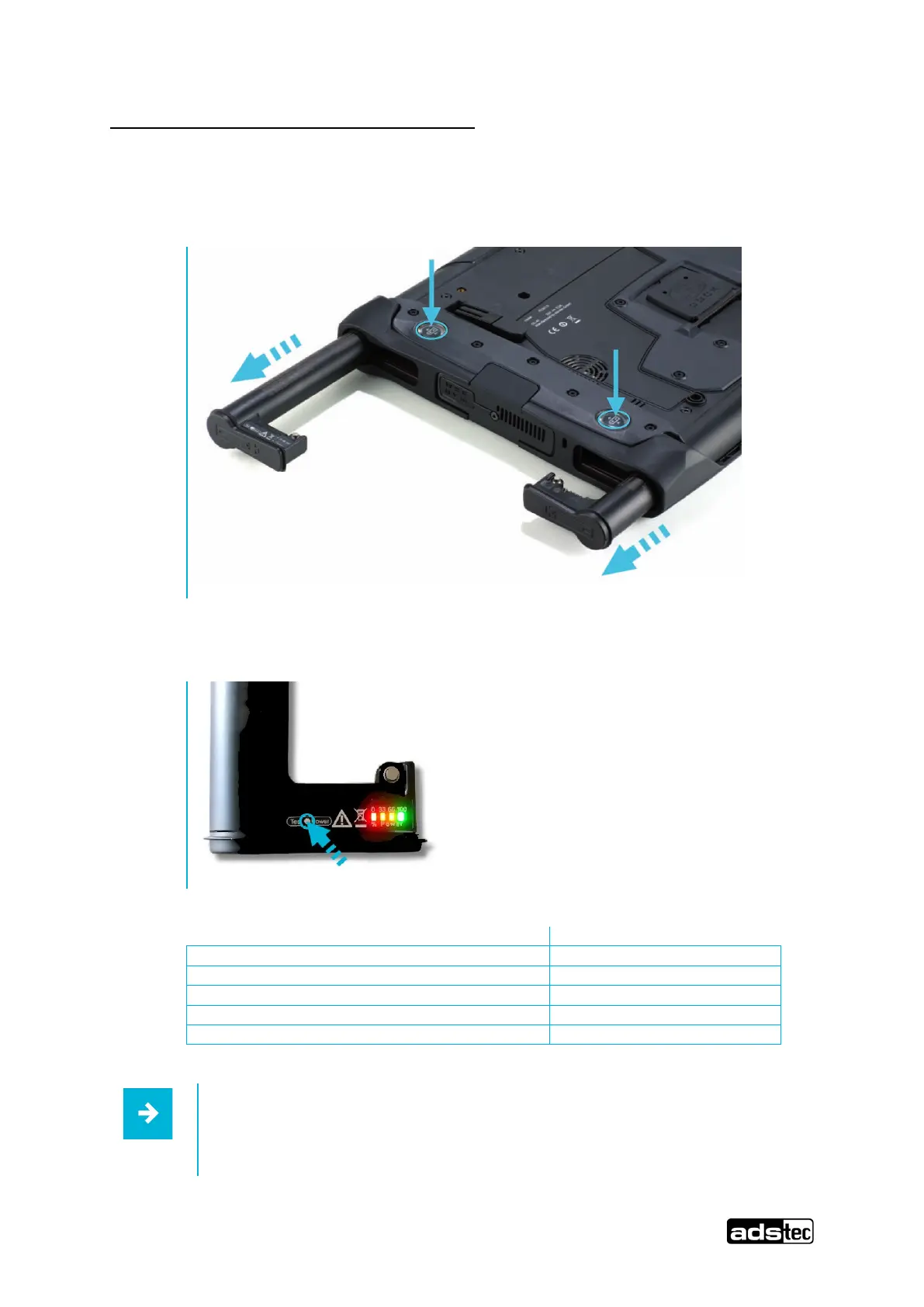
The device batteries
can be removed using a mechanical ejector located on the rear side of
the device. To do this, press the respective key.
The charge state can be queried via the "Test Power" button on the battery. The charge state
indicator illuminates for a few seconds and displays the current charge state on a scale from 0
to 100.
Red, yellow and orange LEDs on
If the device is in operation, the battery state can be queried via the
operating system.



 To Next Page