ITC8113 / TabX® 64
© ads-tec Industrial IT GmbH • Heinrich-Hertz-Str. 1 • 72622 Nürtingen • Germany
12 Component replacement
Make certain that all cables are disconnected and that no voltage
is connected to the device!
12.1 Opening the service slot
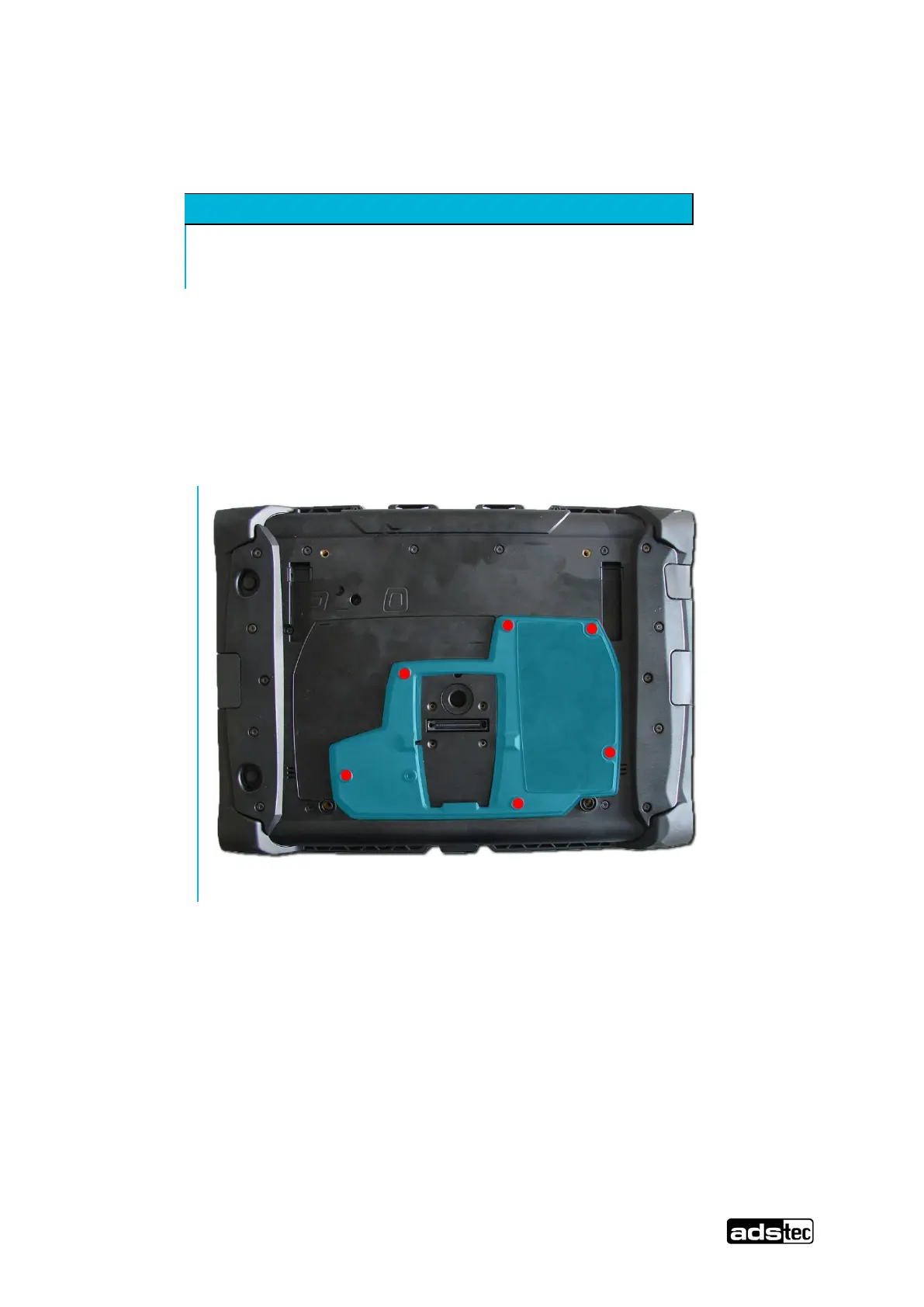
Remove the six screws for the service slot on the rear of the device.
The screws can be removed with a size Tx 8 screwdriver. The rear cover can be removed via
the groove in the service slot on the bottom side.



 To Next Page