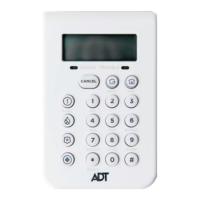
Resetting/ Silencing Your System After An Alarm
To stop the alarm sounding by:
Option 1:
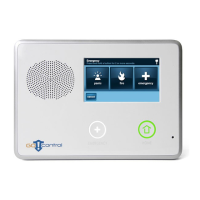
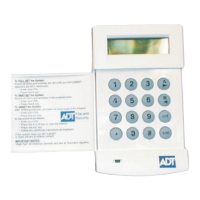
The Keypad – by pressing the “part-set” key and presenting your KeyTag /or entering
your 4-Digit User Code.
Option 2:
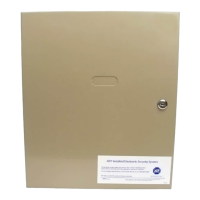
The Alarm Panel – by pressing the “part-set” key and entering your 4-Digit User code.
Important: Resetting/Silencing your System stops the Internal Siren ringing but will
not interrupt the transmission of the alarm signal to the ADT Alarm Monitoring Centre.
Our monitoring specialists may contact you at this point and you will be requested
to conrm your Verication Code /Password to cancel the alarm alert. Your System
might require a remote reset.
Galaxy 16+ Adding/ Deleting Tags
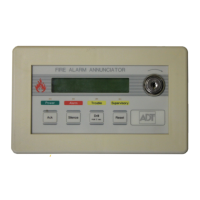
WithaGalaxy8/16plusSystemyoumusthaveaseparatekeyTagreaderforthe
System to have the ability to set/unset by using a Tag. This is normally located next to
theGalaxyKeypad,itwillbeslightlysmallerthantheKeypadanditwillhaverowof
L.E.D lights at the top.
4


 To Next Page