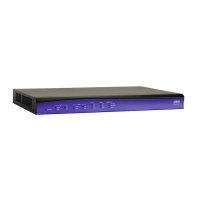
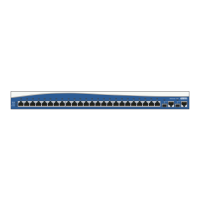
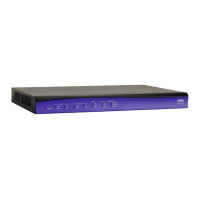
NetVanta 3200/3300/3400 Series Unit Installation
61200860L1-34AB Copyright © 2012 ADTRAN, Inc. 73
Instructions for Connecting DC Power Source to the NetVanta 3205
Step Action
For +24 VDC operation:
1
Connect the negative terminal of the +24 VDC power source to the negative terminal of the NetVanta
3205 DC power connector located on the rear of the unit. (See Figure 35 on page 72.)
2
Connect the negative terminal of the +24 VDC power source to the chassis ground of the +24 VDC power
source.
or
Connect the negative terminal of the +24 VDC power source to Earth ground.
3
Connect the positive terminal of the +24 VDC power source to the positive terminal of the NetVanta 3205
DC power connector.
4
Connect the ground terminal of the NetVanta 3205 DC power connector to Earth ground.
For -48 VDC operation:
1
Connect the positive terminal of the -48 VDC power source to the positive terminal of the NetVanta 3205
DC power connector located on the rear of the unit. (See Figure 35 on page 72.)
2
Connect the positive terminal of the -48 VDC power source to the chassis ground of the
-48 VDC power source.
or
Connect the positive terminal of the -48 VDC power source to Earth ground.
3
Connect the negative terminal of the -48 VDC power source to the negative terminal of the NetVanta 3205
DC power connector.
4
Connect the ground terminal of the NetVanta 3205 DC power connector to Earth ground.



 To Next Page
 Loading...