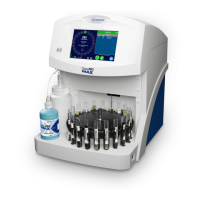
• Preparing the OsmoTECH for testing
• Before starting a test, verify that:
• The OsmoTECH is displaying the Home screen.
• The empty operating cradle is in the furthest position from the sample port.
• Any cleaner from a previous test is removed from the port and discarded.
• The Micro-Sample Test Kit (reorder part number: TECH500) is properly installed.
Instrument Operation






 To Next Page