Apple Devices
NOTE: e-zone apple app requires Apple iOS v7.0 or greater
1. If you do not have an Apple ID and password, then create one and verify
your email by checking and following the instructions in the email from
Apple.
a. See instructions here: http://support.apple.com/kb/ht2534
b. Be sure to set your country to Australia.
2. Download the e-zone App from the Apple App Store.
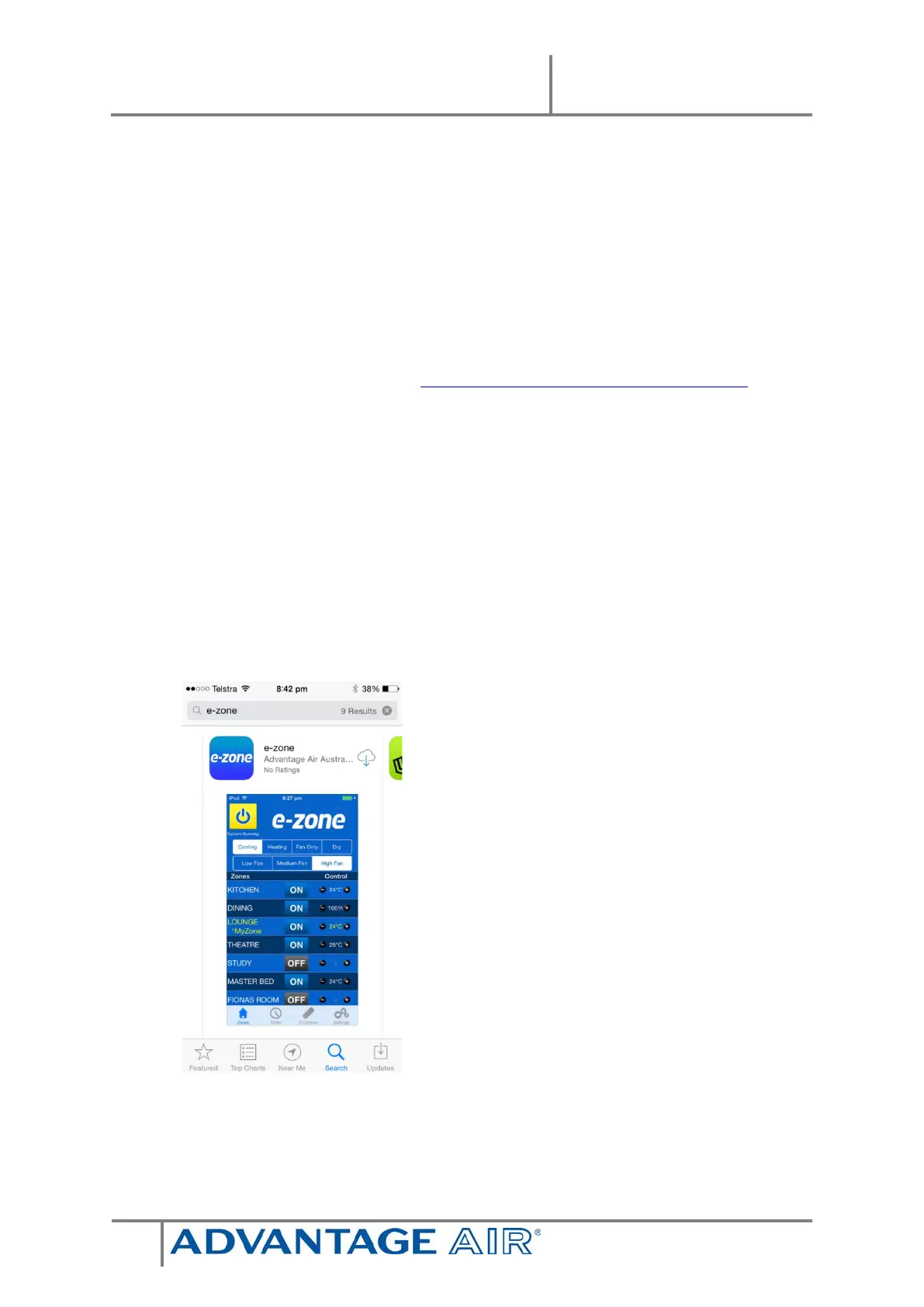
a. Using your iPhone/iPod/iPad - click on the App Store icon.
b. Click on the Search tab.
c. Type “e-zone” into the search box.
d. Press Search.
e. Select the e-zone App by Advantage Air (It’s Free).
f. To install, press the blue FREE button, and then Green INSTALL
button.
g. Enter your Apple ID password (it’s case sensitive).


 To Next Page