Multiple e-zone systems
If there is more than one e-zone system installed on the same home Wi-Fi
network, you will need to change a setting on one of the e-zone touch screens
so as that remote access can function correctly.
NOTE: This only applies if you have two e-zone air conditioning systems
installed on the same home Wi-Fi network, it does not apply if you have one e-
zone air conditioning system with a second touch screen.
To allow remote access to work for all e-zone air conditioning units you should
follow the below steps on one of the systems only, it doesn’t matter which
one.
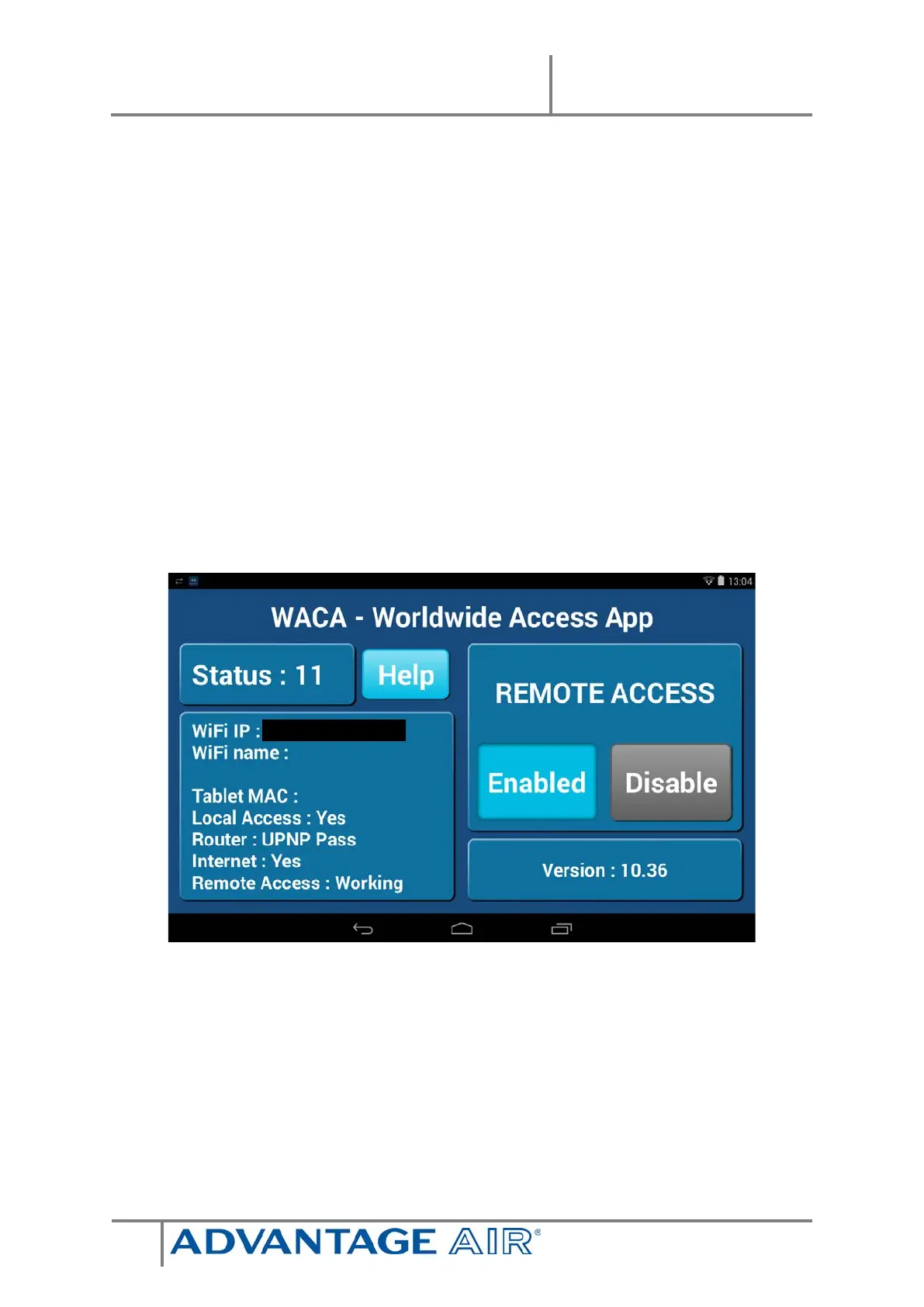
1. Open the AAWACA app from the app drawer


 To Next Page