Introduction
Welcome to your new e-zone system.
The information provided in this user manual will help you to ensure you get the
most from your new air conditioning system.
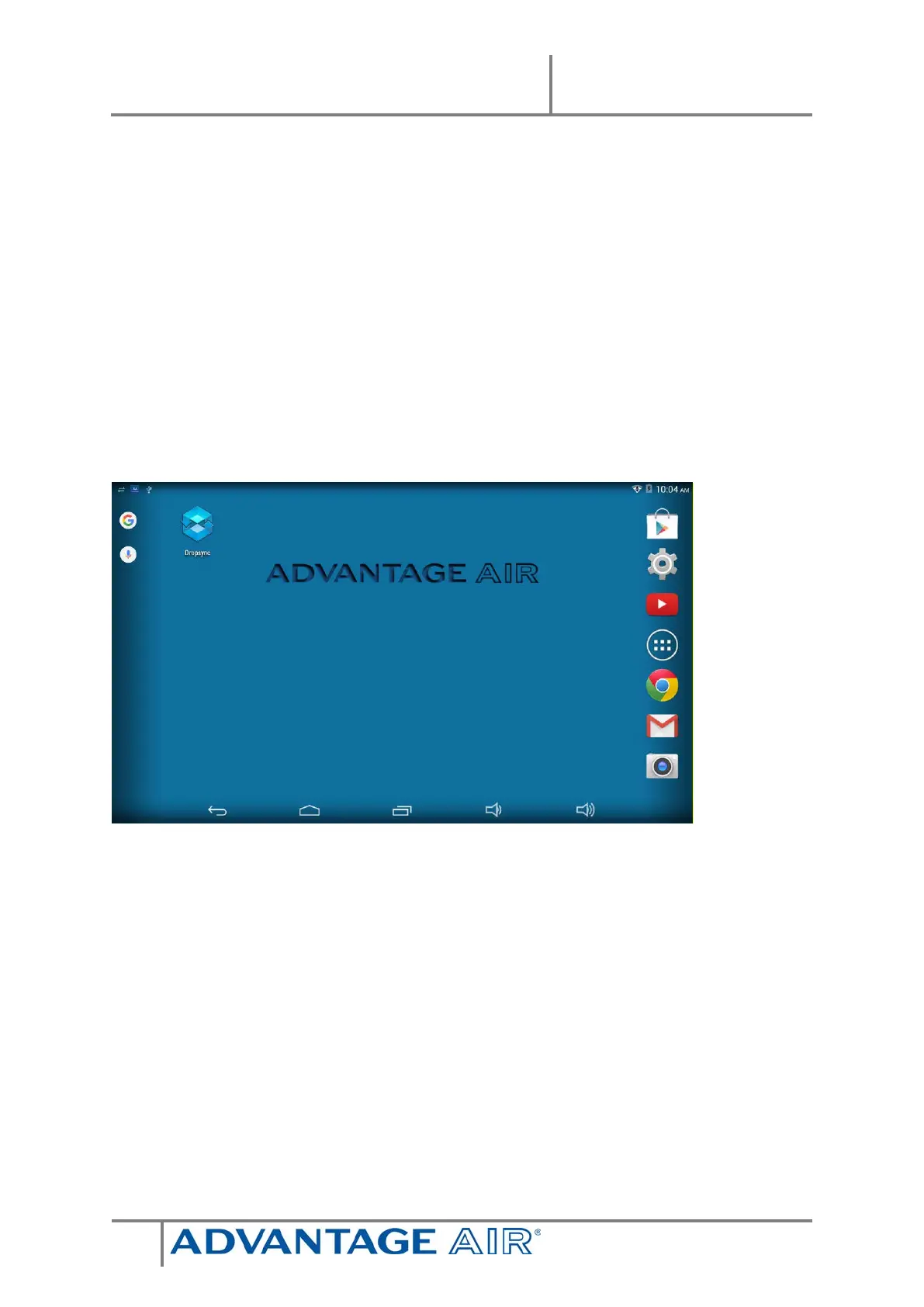
Upon first power up, the system will take a few minutes to initialise.
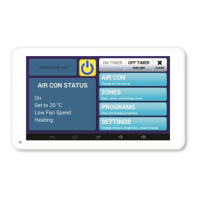
If you walk away from your screen, it will go to sleep, to wake the screen press
the button on the left-hand side of the screen.
On the ZONES screens you will find a HELP button; press it for an explanation of
the features of the zones screen.


 To Next Page