not connect to e-
zone system.
Your smartphone or tablet
cannot find your e-zone system.
phone/tablet & e-zone
system are connected to
Home Wi-Fi is not set to DHCP.
professional to make
changes to DHCP home
of range of the home
Wi-Fi system /
cannot connect.
Your Device may not connect to
your Wi-Fi network from all
rooms and all parts of your
home.
Test: You can turn off
cellular/mobile data and test
your Wi-Fi network by opening
a new web browsing session
Wi-Fi range.
connected to the Wi-Fi network
smartphone/tablet to
your network using
instructions that came
require you to plug the
Belkin WAN port into
your home wired
network before they will
issue a DHCP IP

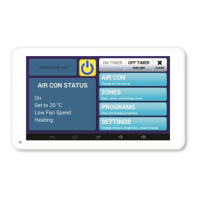

 To Next Page