The below instructions assume the following:
• e-zone touch screen is connected to the home Wi-Fi network.
• You are able to control your system from your mobile device when
connected to your home Wi-Fi network.
• Your e -zone touch screen has a Google Play account active on the
device & all updates have been installed, please
visit www.advantageair.com.au/support/update2 to ensure this has
been done before proceeding to the next step.
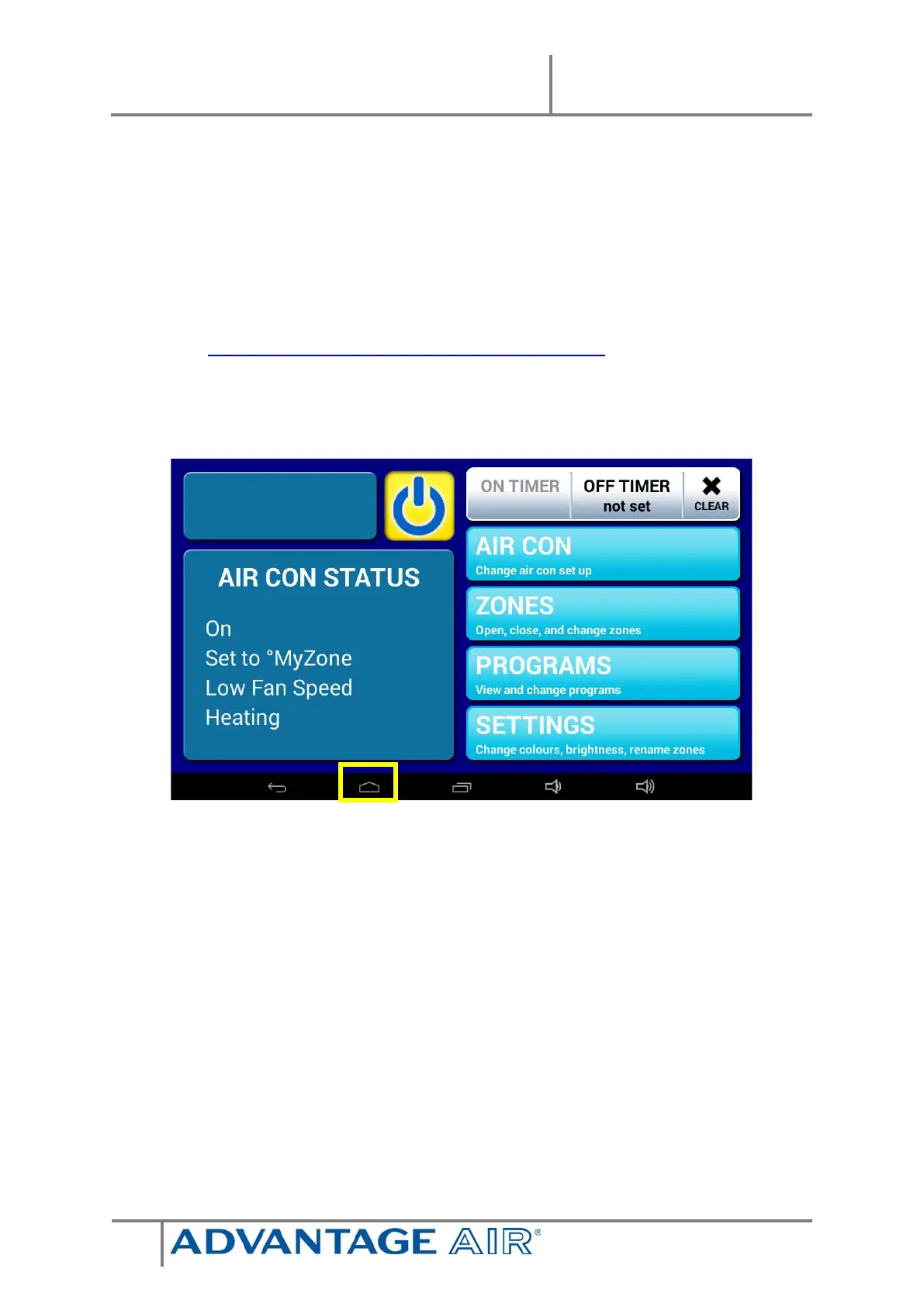
1. Press the HOME button.


 To Next Page