Copyright2017AdvantechCo.Ltd.Allrightsreserved. Page31
3. BIOS
FWA‐1012VCBIOSisbasedonAMI’sAPTIOBIOSandcomplianttotheUEFI,SMBIOSandACPIspecifications.
TheBIOSperformsprobing,initializationandconfigurationoftheFWA‐1012VCandinitializestheOSboot
processattheendofPOST(Power‐On‐Self‐Test).
RegularBIOSoutputaswellasthesetupmenuaredisplayedviaconsoleportandpleasenotethattheFWA‐
1012VCdoesnothaveanyon‐boardPOSTCodeLEDs.AspecialPOSTcodeadapterisrequiredtoretrieve
BIOSerrorcodes.
AllBIOSconfigurationparametersbarestoredinNVRAM,adedicatedsectionoftheBIOSflashchip.
ParametersarenolongerstoredinlegacyCMOSRAMbytheplatformBIOS.I.e.BIOSconfiguration
parameterswillnotbelostduetoanemptybattery.
3.1 BIOSDefaults
TheBIOScomeswithasetofconfigurationparameterswhenshippedbyAdvantechreferredtoas
“OptimizedDefaults”or“factorydefaults”.TheusercanchangeBIOSsettingsviathesetupmenueither
temporarilyorpermanentlybysavingthechangesas“Userdefaults”.
TheBIOSloadsOptimizedDefaultsbytheoption“RestoreDefaults;andloadsUserdefaultsbytheoption
“RestoreUserDefaults”.IfnoUserdefaultshavebeendefined,theBIOSwilldonothing.
3.2 BIOSSetupMenu
ThissectiondescribestheFWA‐1012VC’sUEFIBIOSbasedonAMI’sAPTIOBIOS.
UserscanmodifyBIOSsettingsandcontrolthespecialfeaturesoftheFWA‐1012VCusingtheBIOSsetup
menu.
PleasenotethatAdvantechsupportsshippingtheFWA‐1012VCwithcustomBIOSdefaultstosimplifythe
deploymentandintegrationforourcustomers.PleasecontactyourAdvantechrepresentativeifyouwantto
receivemoreinformationregardingthisservice.
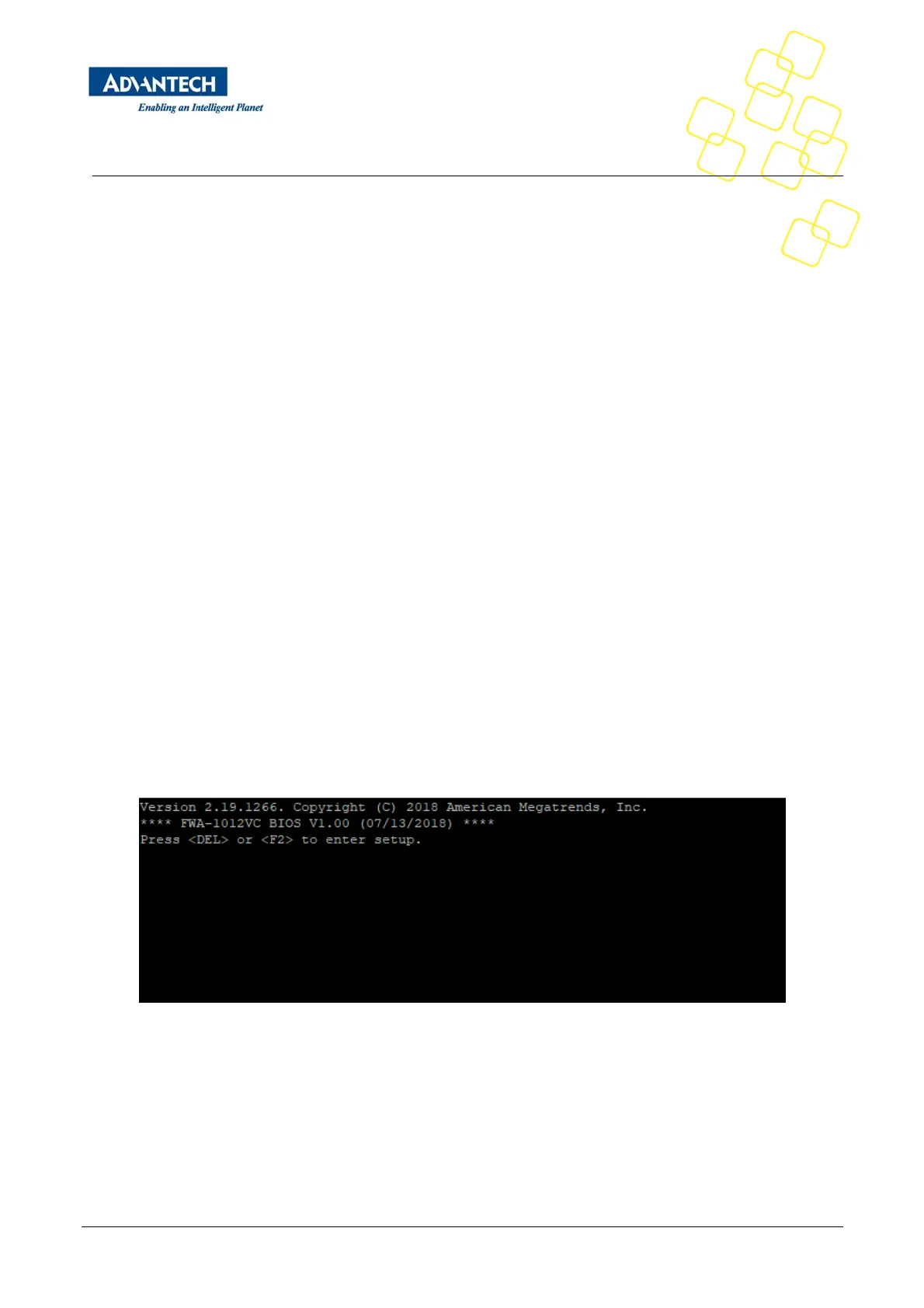
TheBIOSSetupMenucanbeenteredviatheBIOSPOSTscreendisplayedontheconsoleinterface:
Figure15:BIOSPOSTscreen(example)
BIOSSetupcanbeenteredbyhitting<DEL>or<F2>keysduringPOST.
The BIOS setup menu screens have a few main elements as shown below. The menu bar displays the
selectable menu pages as tabs. The parameter window displays and allows configuration of the settings
available in a given menu page or a submenu thereof. Auxiliary text providing information about the
selectedsetupitemisdisplayedinthetoprightcorner.


 To Next Page