13 Chapter 2
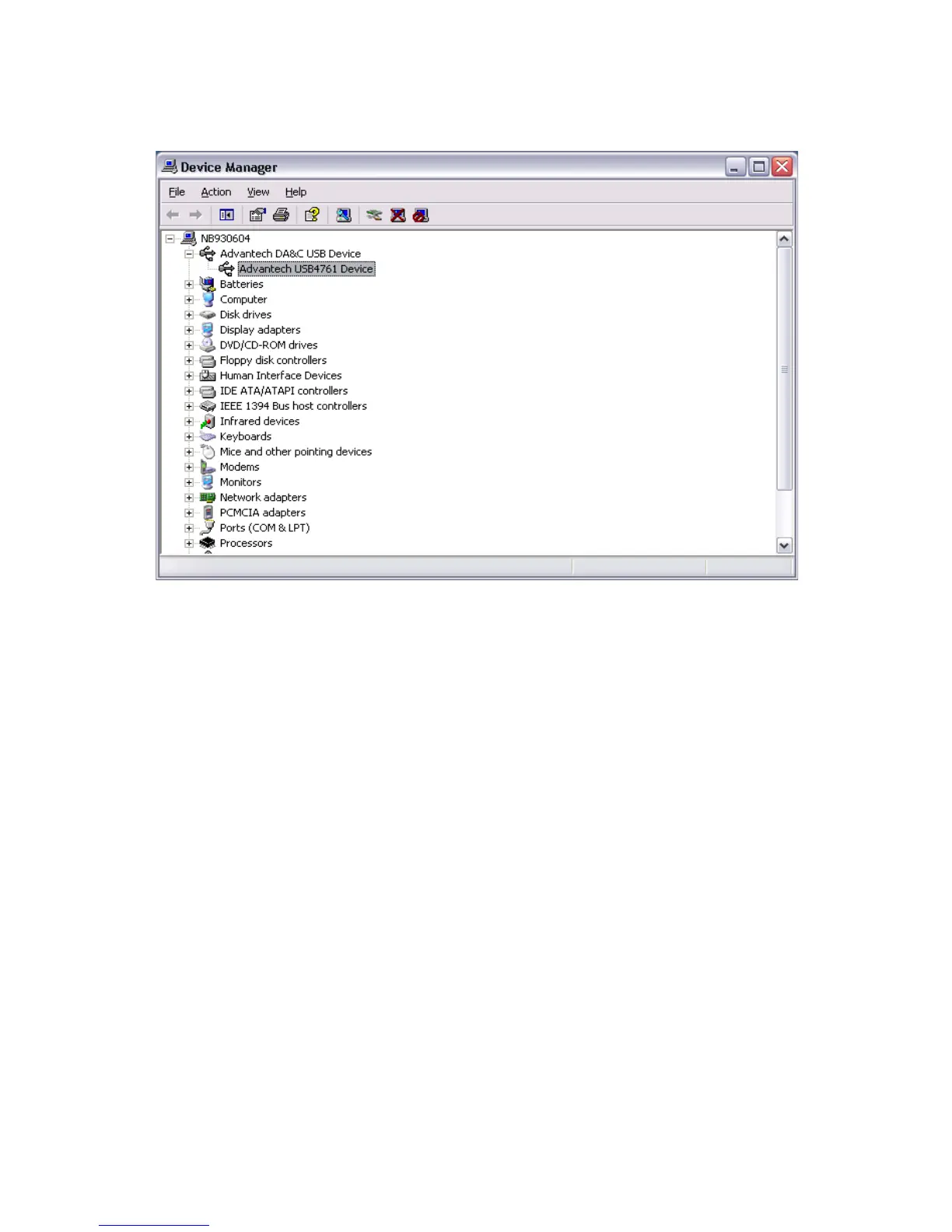
Figure 2.2: Device Name on the Device Manager
Note: If your module is properly installed, you should
see the device name of your module listed on the
Device Manager tab. If you see your device name
listed, but marked with an exclamation sign “!”
(Fig. 2-4), it means your module has not been
correctly installed. In this case, remove the mod-
ule from Device Manager by selecting its device
name and press the Remove button. Then go
through the driver installation process again.


 To Next Page