USB-4761 User Manual 18
.
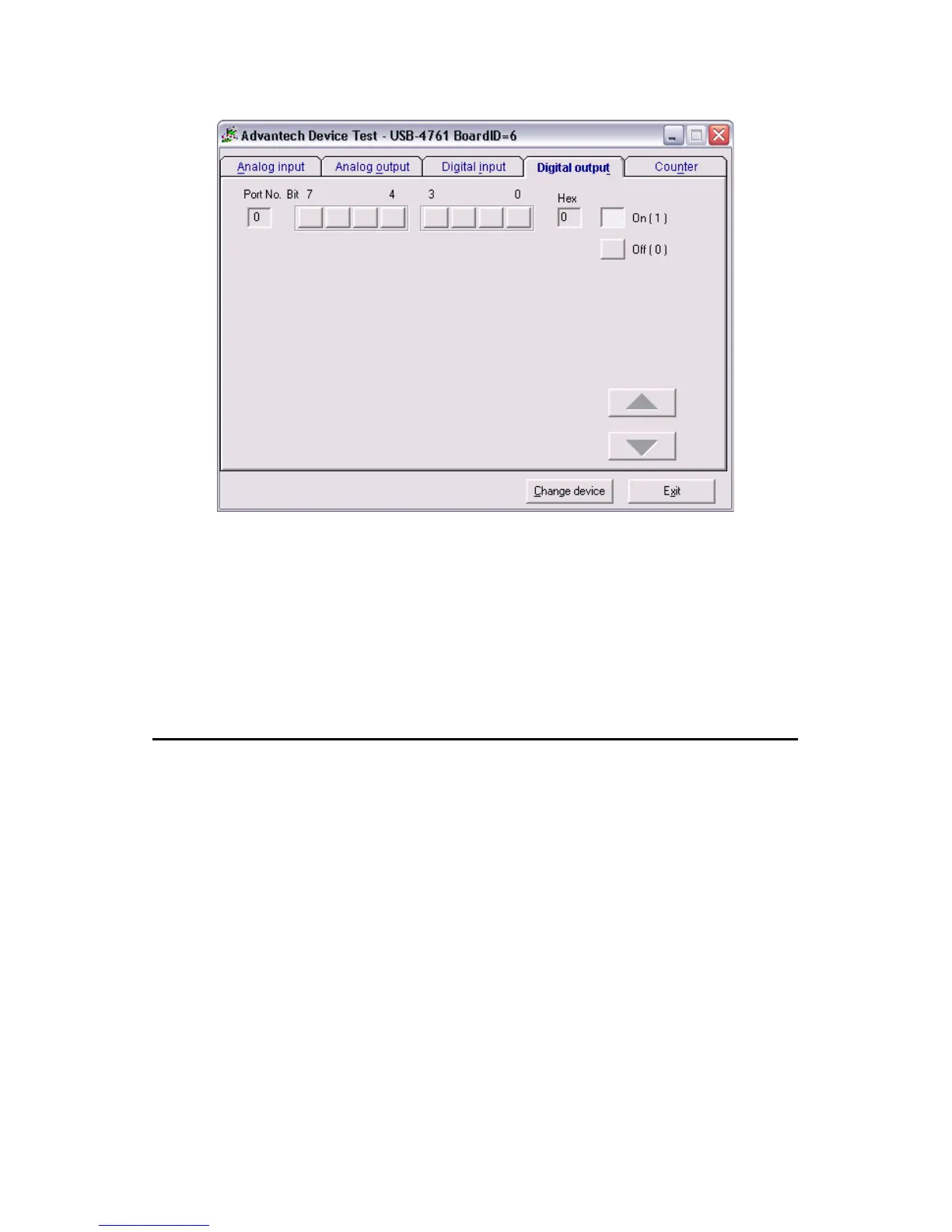
Figure 2.7: Digital Output Tab in Device Test Dialog
Only after your module device is properly set up, configured and tested,
can the device installation procedure be considered complete. After the
device installation procedure is completed, you can safely proceed to the
next chapter, Signal Connections.
2.6 Hardware Uninstallation
Though the Advantech USB modules are hot swappable, we still recom-
mend you to follow the hardware un-installation procedure to avoid any
unpredictable damages to your device or your system.
Step1: Close the applications of the USB module (ex. Advantech Device
Manager).


 To Next Page