USB-4761 User Manual 16
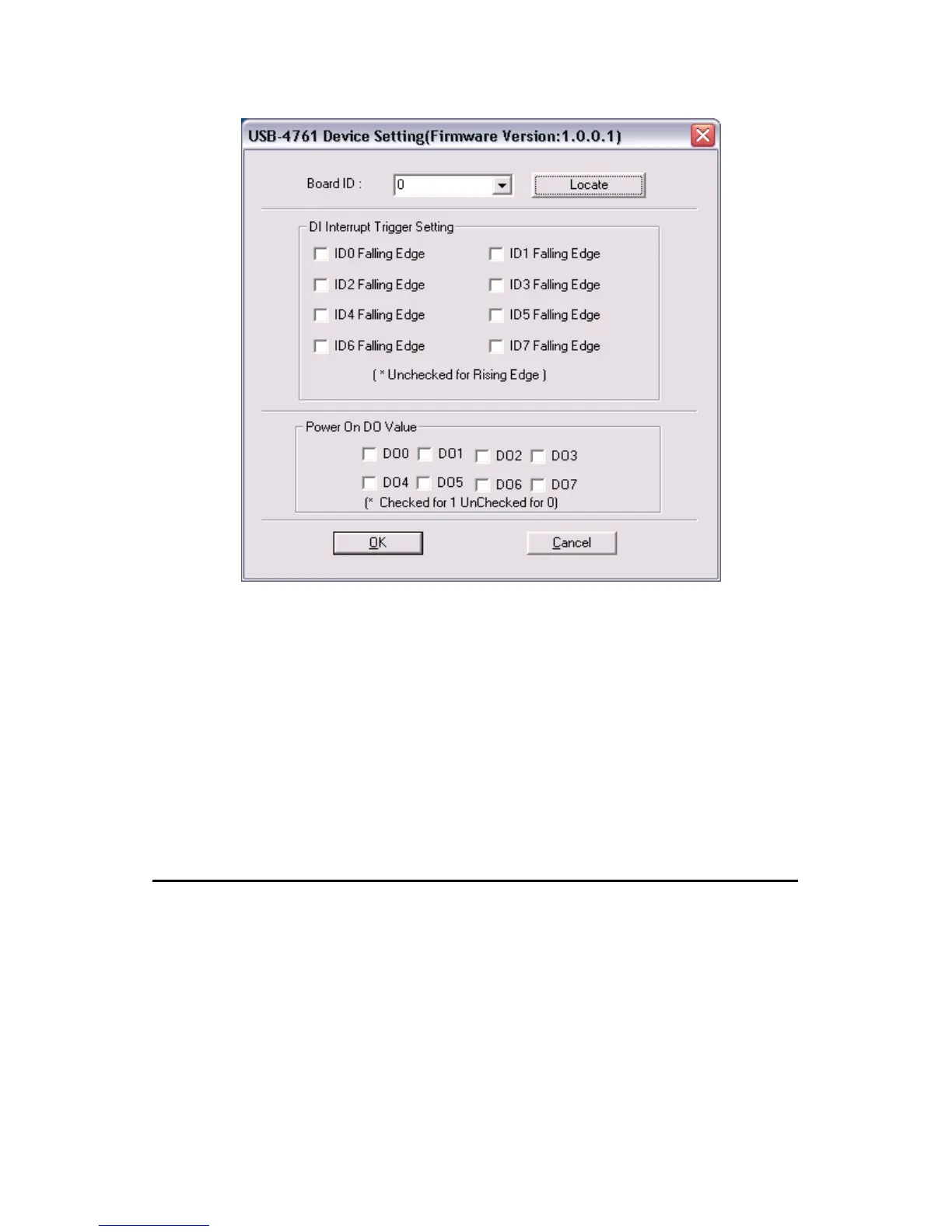
Figure 2.5: The Device Setting Dialog Box
2.5 Device Testing
Following the Setup and Configuration procedures to the last step
described in the previous section, you can now proceed to test the device
by clicking the Test Button in the I/O Device Installation dialog window.
In the Device Test dialog window, you are free to test the functions of
USB-4761 on Digital input and Digital output tabs.
Note: Please refer to the software manual
Start/Programs/Advantech Automation/Advan-
tech Device Manager/Device Driver’s Manual
for the firmware download utility guidance and
further information.


 To Next Page