UNO-2271G User Manual 12
A.1 System I/O Address and Interrupt Assignment
A.2 Board Connectors and Jumpers
There are several connectors and jumpers on the UNO-2271G board. The following
sections tell you how to configure the UNO-2271G hardware setting.
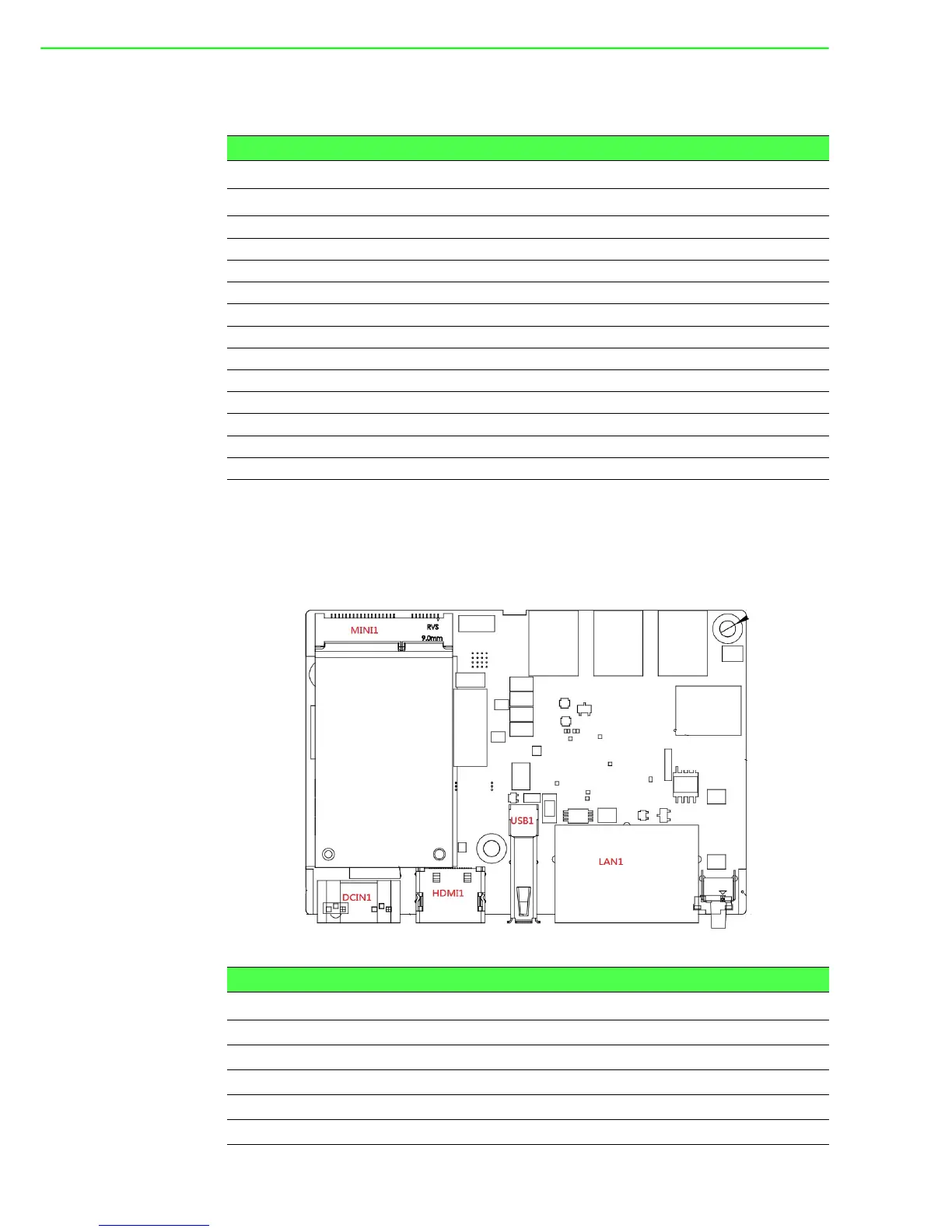
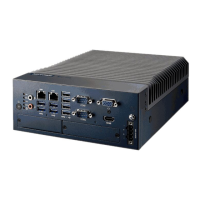
Figure A.1 shows the locations of UNO-2271G’s connectors and jumpers.
Figure A.1 Connector & Jumper Locations for UNO-2271G-N2AE(front)
Table A.1: Interrupt Assignments
Interrupt No. Interrupt Source
NMI Parity Error Detected
IRQ0 System timer
IRQ1 Standard 101/102-Key or Microsoft Natural PS/2Keyboard
IRQ2 Interrupt from controller 2 (cascade)
IRQ3 Communications Port (COM2)
IRQ4 Communications Port (COM1)
IRQ6 Available
IRQ8 System CMOS/Real-time clock
IRQ9 Microsoft ACPI-Compliant System
IRQ12 PS/2 Compatible Mouse
IRQ13 Numeric data processor
IRQ14 Reserved
IRQ15 Reserved
Table A.2: Connectors and Jumpers
Label Function
MINI1 PCIExpressminicardsocket/mSATA
DCIN1 Powerinconnector
HDMI1 HDMIconnector
USB1 USB3.0connector
LAN1 2portRJ45connector











 To Next Page