20
aee.com
DE
EN
ES
PT
IT
EL
FR
NL
PL
CS
HU
SV
FI
NO
RU
DA
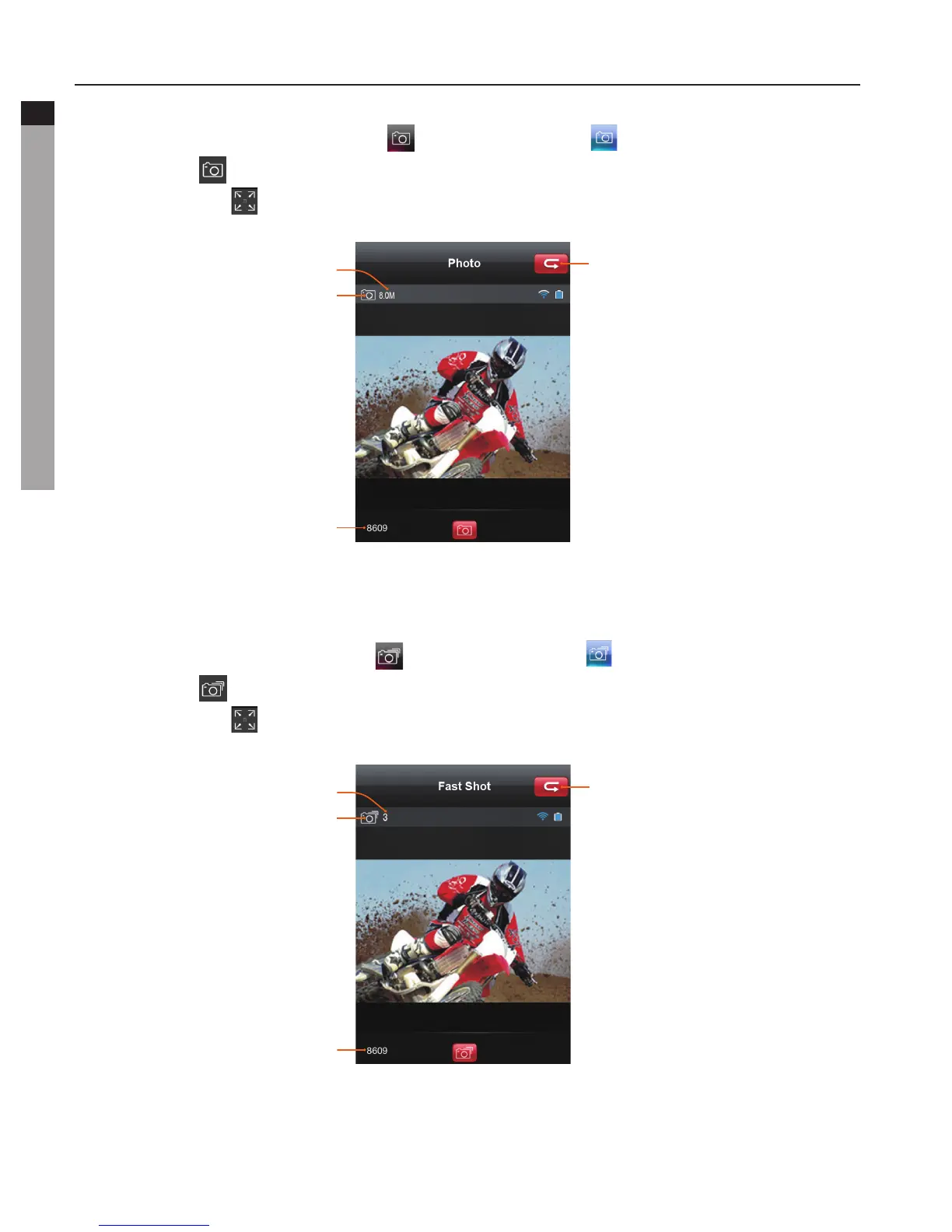
b. Single shot
- Click the Single shot mode icon " " , it will turn blue " ". The current state icon will
display as " ", click it to take one picture.
- Click the icon " "tomaximizethepreview
:
Return to main interface
Pixel
Current state
Remaining number of shots
You can set up the pixel in the parameter setting interface.
c. Fast Shot
- Click the Fast shot mode icon " " , it will turn blue " ". The current state icon will
display as " ", click it to take pictures within one second.
- Click the icon " "tomaximizethepreview
:
Return to main interface
Burst number
Current state
Remaining number of shots
You can set how fast the camera takes pictures in the camera setting interface.



 To Next Page