The Micro SD card must be a high-speed card. Before video/audio recording and shooting pictures, format
the Micro SD card on the SD21 video camera. If a Micro SD card has been used on other devices, it should
also be formatted on the SD21 video camera for normal use.
Note: Before formatting, make sure the files in the memory and Micro SD card are not needed. Even the
locked files on the video camera can be removed in formatting.
③
Setting the date and time
To set the date and time, perform the following operations:
− In the preview mode under power-on state, press the M key to display the
menu interface.
− Press > to enter the system setup interface.
− Press + or – to display the Date/Time menu.
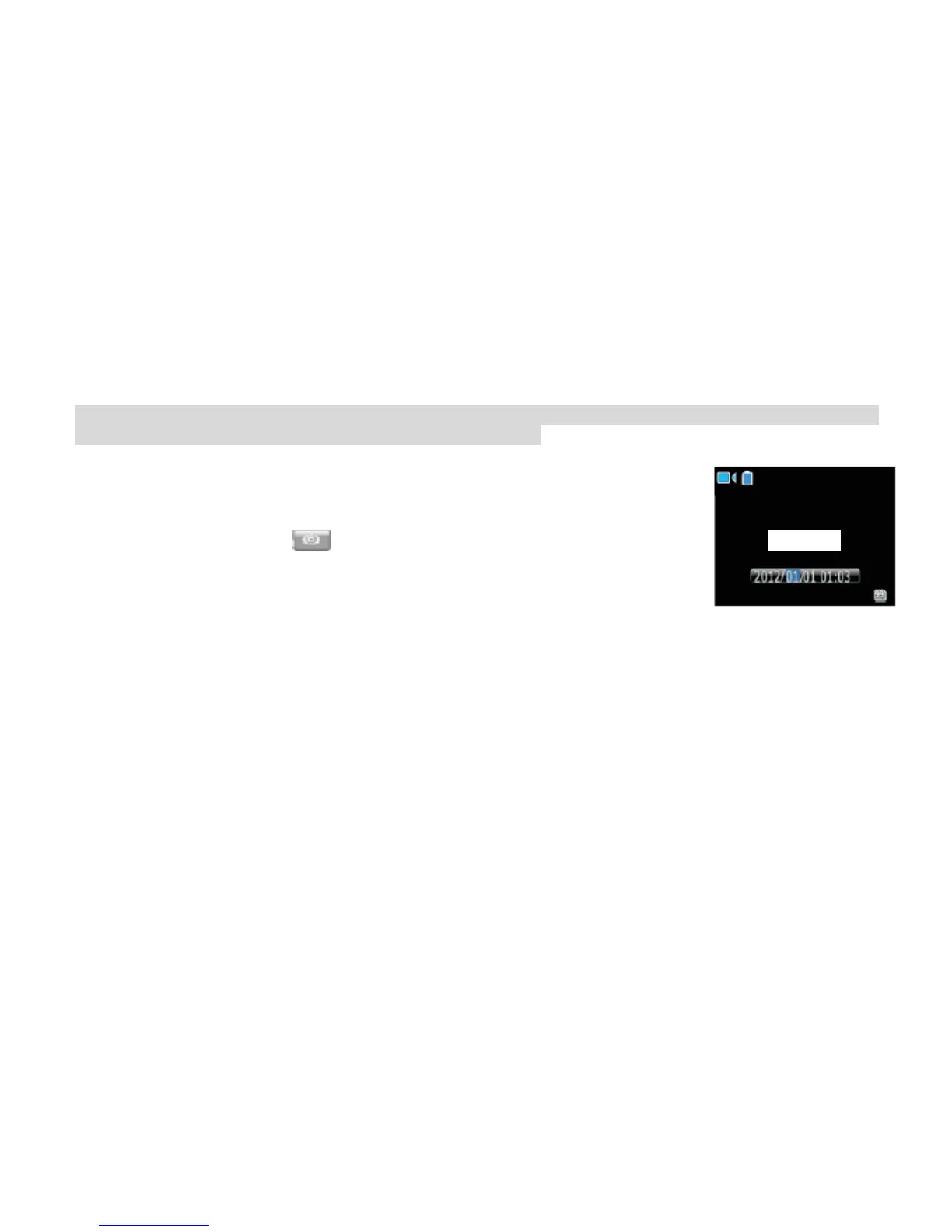
− Press OK to display the Date/Time interface shown as follows:
The digits under the cursor will turn blue and adjustable.
− Press + or – to adjust the date or time.
− Press OK after adjusting the date or time.
− Press the M key to exit the interface.



 To Next Page