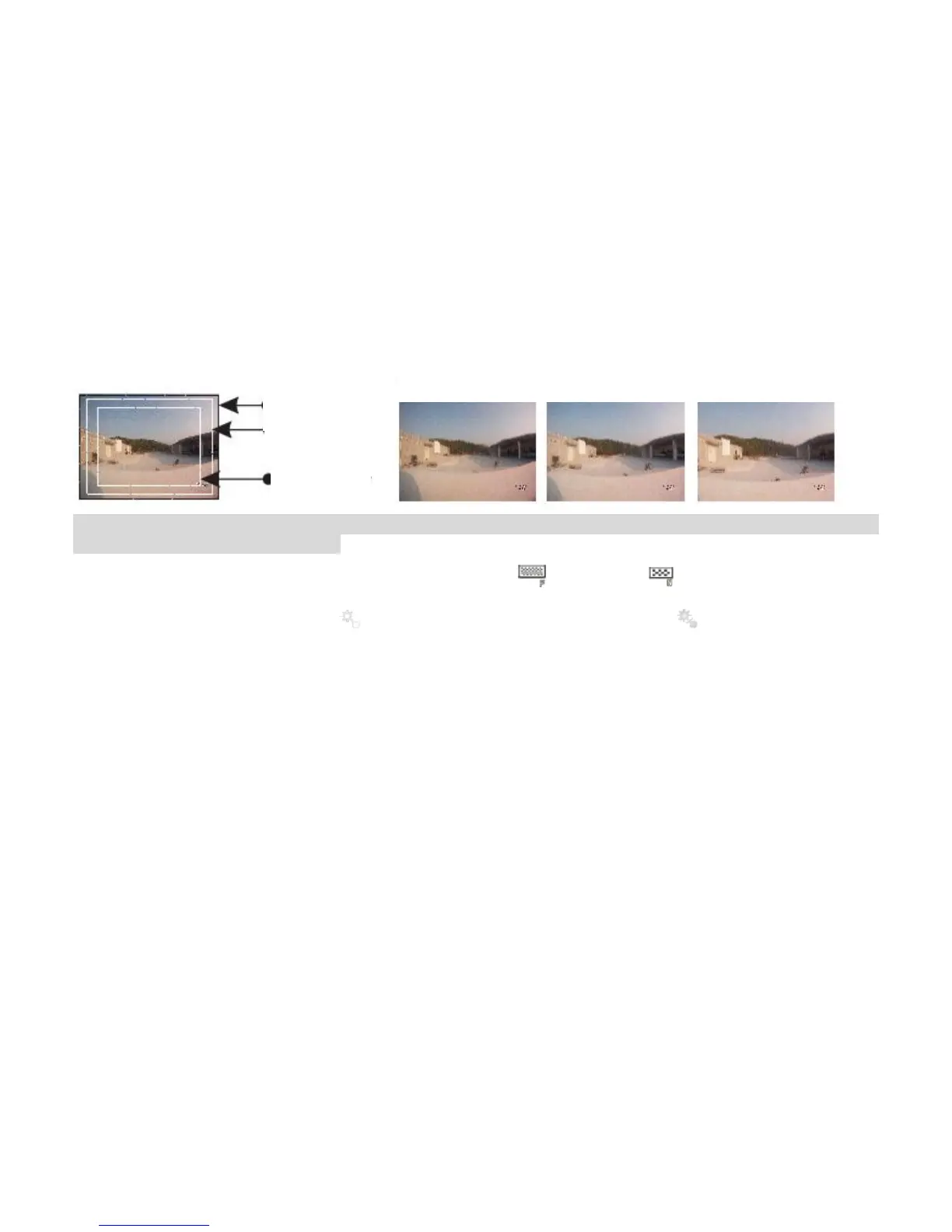
The following example shows the same picture in different views:
The preceding views apply only to the 1080P or 1080i HD video recording and photo modes. You can
select a view angle as you desire.
d
Bit rate: This parameter can be set to High bit rate ( ) or Normal ( ). If this parameter is set to
High, pictures are clearer, but the file size increases.
e
Laser SYNC video: Select to enable the laser indicator, or select (the default option) to
disable the laser indicator.
f
Pre-video: In the preview state, press the M key to enter the video recording setup interface, choose
Pre-video to enable the pre-video recording function.
In this mode, press the Record key to enable the pre-recording function, that is, the video recording
starts without saving the data; press the Record key again, the last a few seconds of the pre-recorded
video will be saved as the starting part of the video recording file.
g
Auto video: In the preview state, press the M key to enter the video recording setup interface, choose
Auto video, and set the count-down time before the automatic video recording. The available options
are OFF, 5 s, 10 s, or 20s.
h
Display time: In the preview state, press the M key to enter the video recording setup interface,
choose DISPLAY TIME.
If you set this parameter to ON, the video camera automatically records the date and time during
video recording and displays them in the bottom-right corner of the screen. If you set this parameter to



 To Next Page