English 27
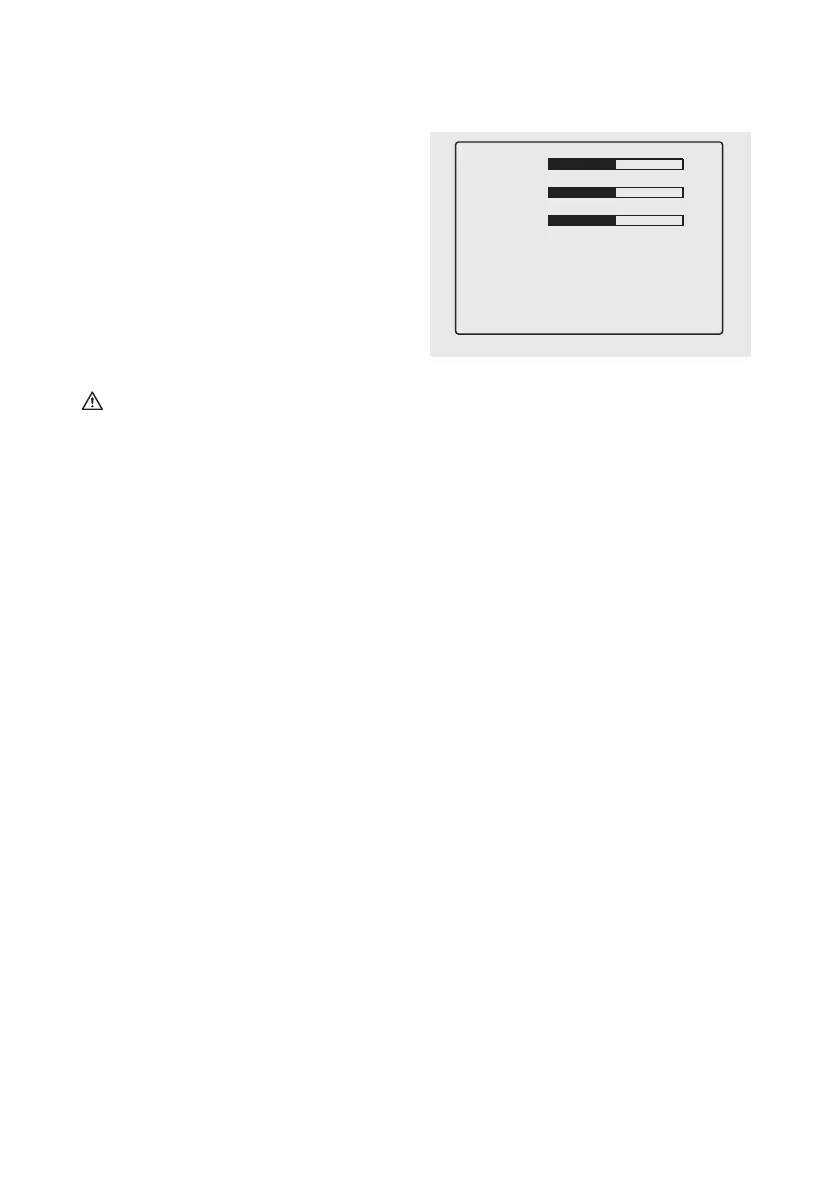
Monitor menu settings
1.
(13) lights up blue.
2. Press the button (16) to open the menu. The
7 seconds. The respective settings mode will be
3. Each time the button (16) is pressed again the
menu will advance to the next level of settings.
4. Use the buttons (15) and (17) to increase, de-
crease or advance the following menu items:
Brightness: adjusts the monitor brightness
Contrast: adjusts the monitor contrast
Guidelines: can be activated or deactivated
Language: set language to English / German
Exit: leave menu mode
5. In “Exit” mode press a (15) or (17) button to leave
the menu mode.
Testing the backup camera system
1.
is not in gear. Turn the ignition to II, do not start
the engine!
2. Use the monitor cable (5) to connect the monitor
(3) to the 12 V cigarette lighter. Press the button
(14) to switch on the monitor. The status LED
(13) must light up blue.
3. Now put the vehicle into reverse. The transmit-
monitor.
Guidelines On / Off
Language English / German
Exit
Brightness
Contrast
Colour
Image 14
Now plug the monitor cable (5) into the vehicle‘s
outlet (12 V). Place the monitor cable so as not to
passengers.
Attention:
-
-
OPERATION
Warning!
Do not operate the monitor whilst driving, as this
Caution!
for the image to stabilise before reversing.
Information about use
vehicle’s 12 V socket. Please refer to the owner’s
Do not cover the device during use and ensure
proper ventilation.
Power on the monitor before using the backup


 To Next Page
 Loading...