- 24 -
Match
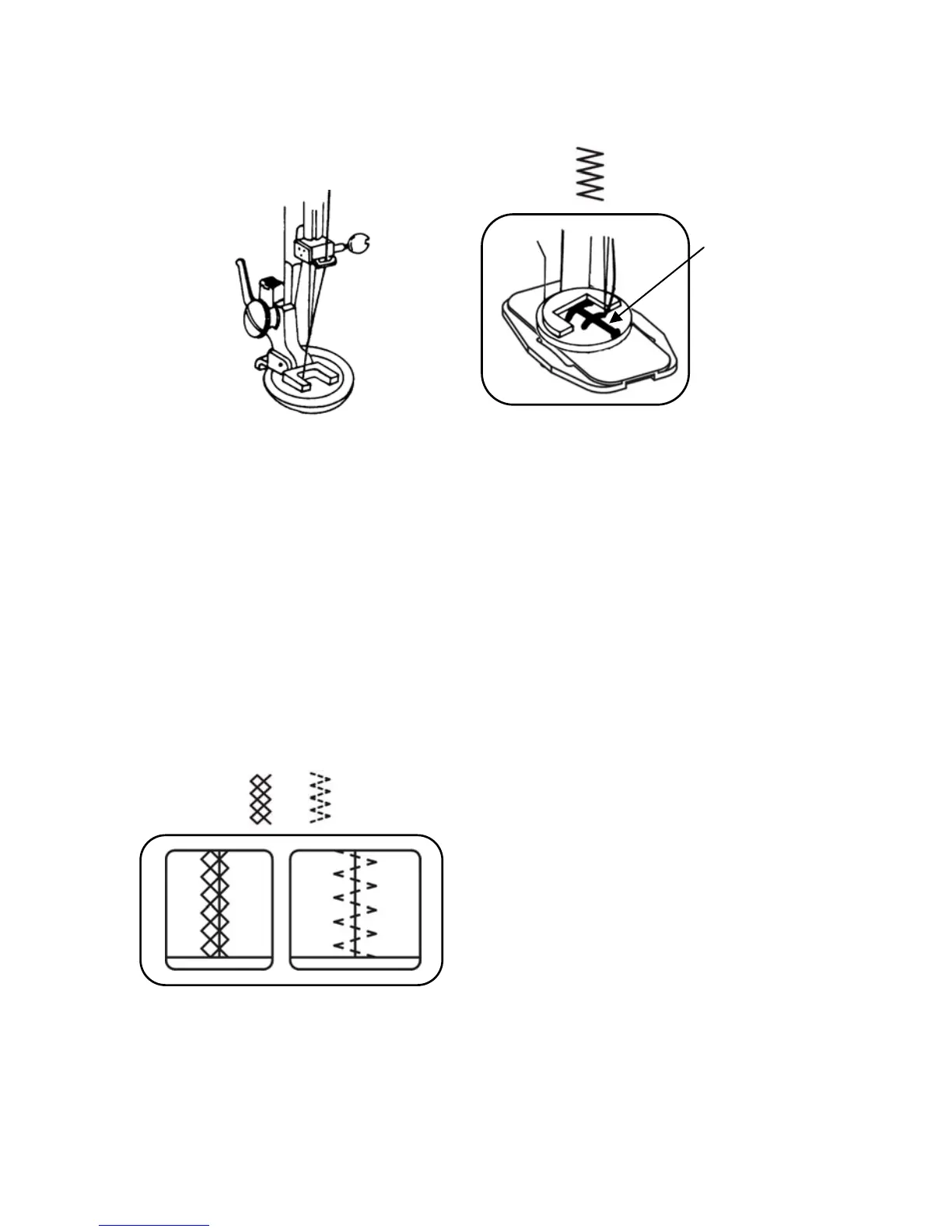
BUTTON SEWING (Optional)
Utilize the button presser foot.
(Use Darning plate see page 15)
1. Place the darning plate properly.
2. Place button presser foot in position and attach it firmly.
3. Place the button between presser foot and fabric and lower the presser foot.
4. Manually turn hand wheel towards you, ensuring that the needle enters into both holes
of button without obstruction. (Increase or decrease width setting).
5. Sew about 7 stitches.
6. Pull both threads to the underside and tie them together.
BINDING
To sew fabrics edge select the multi-zigzag
stitch.


 To Next Page