68
ENGLISH
Start-up
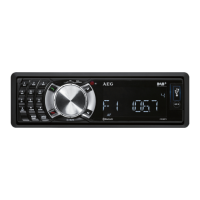
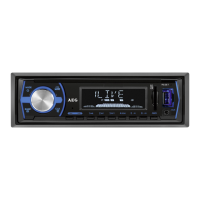
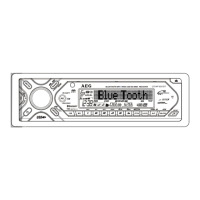
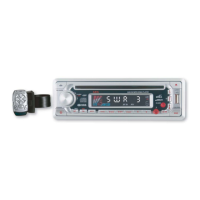
To protect against theft remove the front panel. Do not
keep the front panel in the car.
NOTE
Keep the front panel in its casing.
►
Do not touch the contacts on the unit or on the
►
front panel.
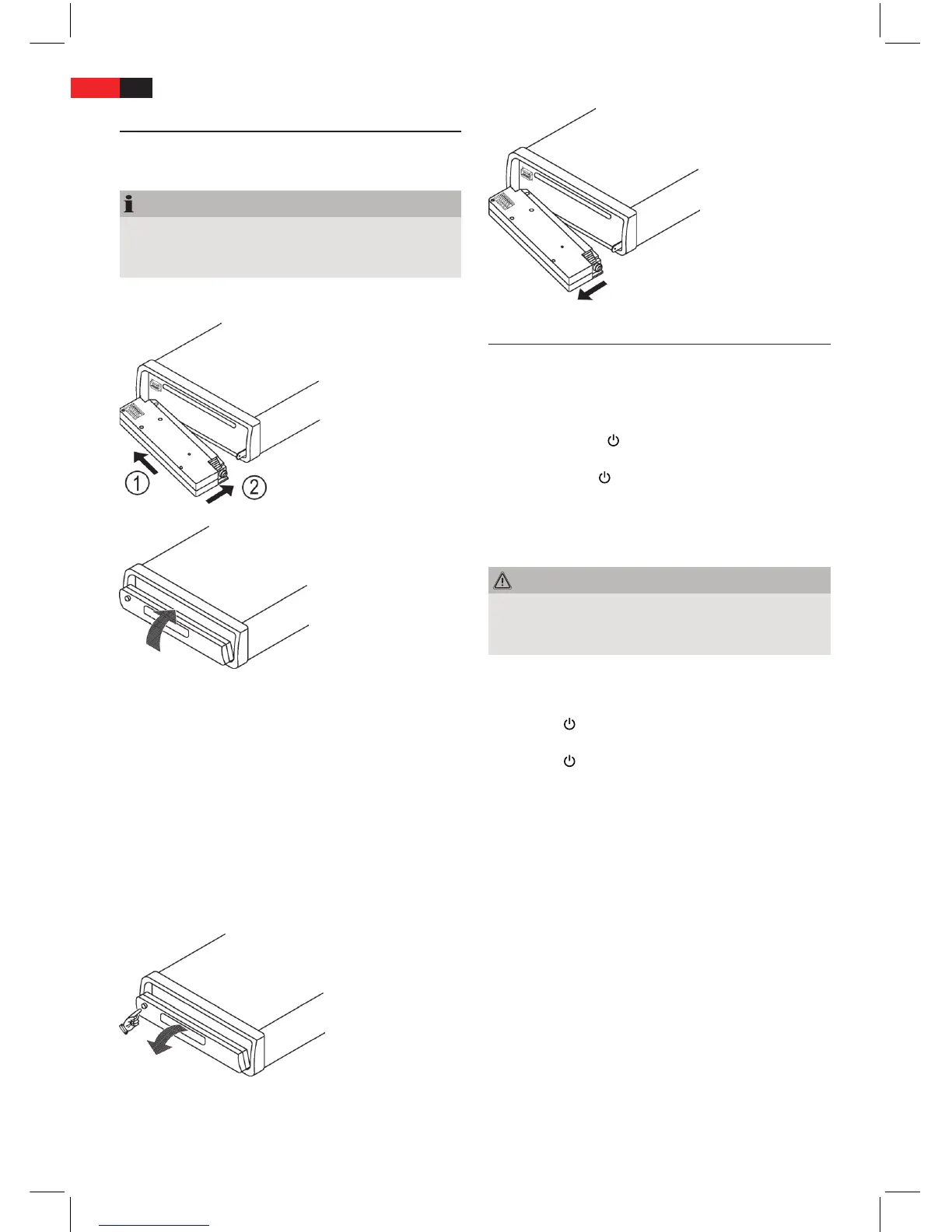
Attach Front Panel
Set the control panel with the left-hand side rst into
the frame.
Then push the right-hand side in until it clicks into
place.
Flip the control panel up until it clicks into place.
Ensure the front panel is attached properly. If the front
panel is not attached properly this can cause malfunc-
tions.
Detach Front Panel
Press the release button (1) and ip the control panel
down.
Then pull gently on the right-hand side of the control
panel to detach the control panel.
Operation
This chapter gives important operating instructions for
the unit.
On/O
Press the button
/MUTE (11) to switch on the set. The
display is activated.
Hold down the
/MUTE (11) button to switch the unit
o.
Settings
Volume
WARNING
Hearing damage due to high volume!
High volumes can permanently damage your hearing.
Set a moderate volume.
►
Turn the multi control knob (21) to set the volume.
Switch unit to mute
Press the
/MUTE (11) button to switch the unit to
mute. The MUTE indicator appears on the display.
Press the
/MUTE (11) button again to deactivate the
function.
Sound Settings
Press the multi control knob (21).The current volume is
displayed. Press again to cycle through the next setting
options.
The following settings are possible:
VOL - volume (0 to 100)
BAS - bass (-10 to +10)
TRB - treble (-10 to +10)
BAL - Balance (sound distribution between left and
right speakers) (10L to 10R)
FAD - Fader (sound distribution between rear and front
speakers) (10F to 10R)
Turn the multi control knob to change the displayed
setting.


 To Next Page