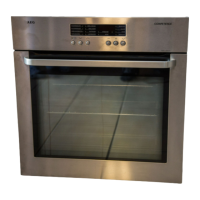
11
Operating the Oven
Switching the Oven On and Off
1. Turn the oven functions control knob to the desired function.
2. Turn the temperature control knob to the desired temperature.
The power indicator is lit while the oven is on.
The temperature power indicator is lit while the oven is heating up.
3. To turn the oven off, turn the oven functions and temperature control
knob back to the OFF position.
3 Cooling fan
When the oven is switched on, the fan comes on automatically to keep
the surfaces of the appliance cool. When the oven is switched off, the
fan continues to operate to cool the appliance down, then switches it-
self off.
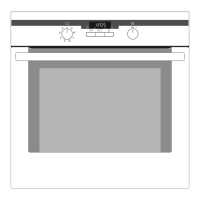
Temperature Pilot Light
Oven Functions Temperature selector
Oven Power Indicator



 To Next Page
 Loading...