21
Cook time
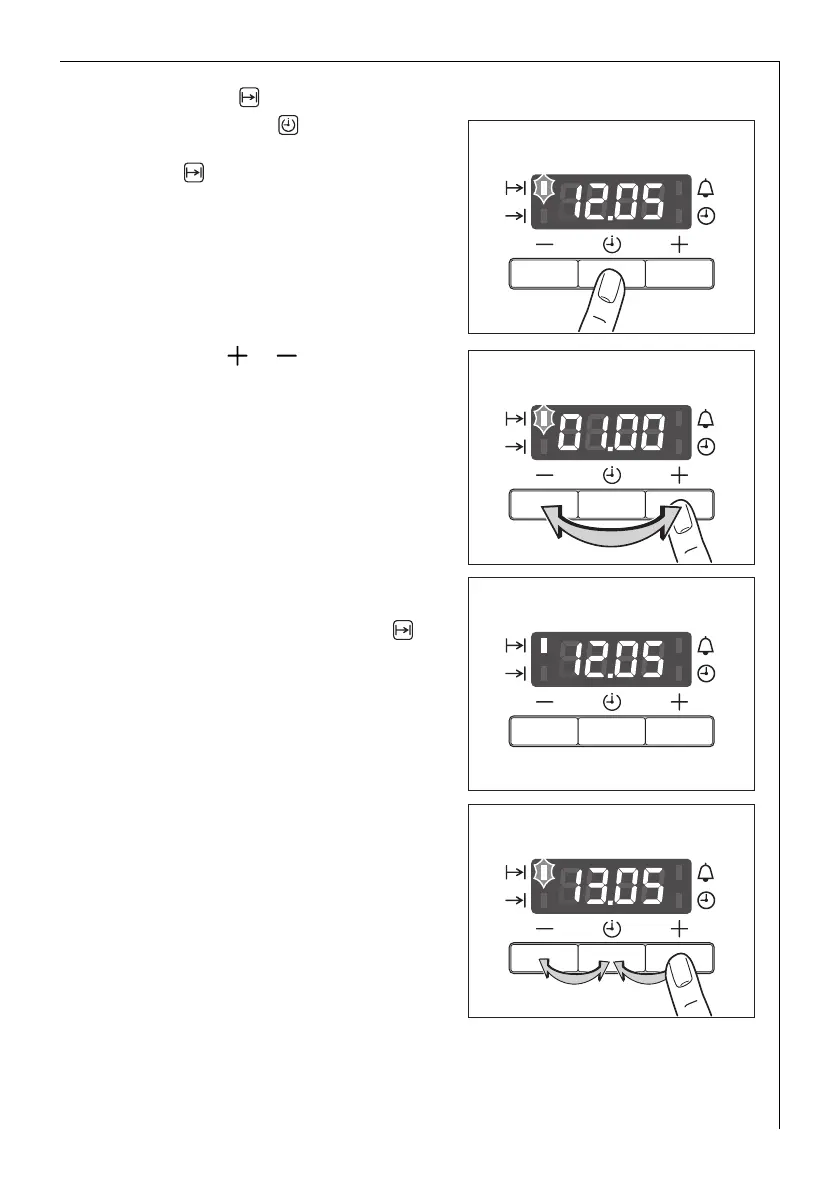
1. Press Selection button repeated-
ly, until the function indicator Cook
time flashes.
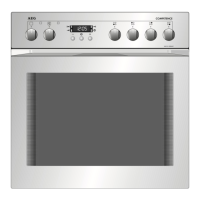
2. Using the or button, set the
required cooking time.
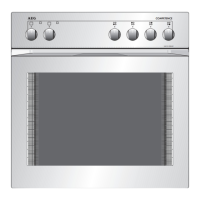
After approx. 5 seconds, the display
returns to the current time. The
function indicator Cook time will
light up.
When the time has elapsed, the
function indicator will flash, an
acoustic signal will sound for
2 minutes and the oven will switch
itself off.
3. Press any button to switch off the
signal and the programme.





 To Next Page