22
Memory function
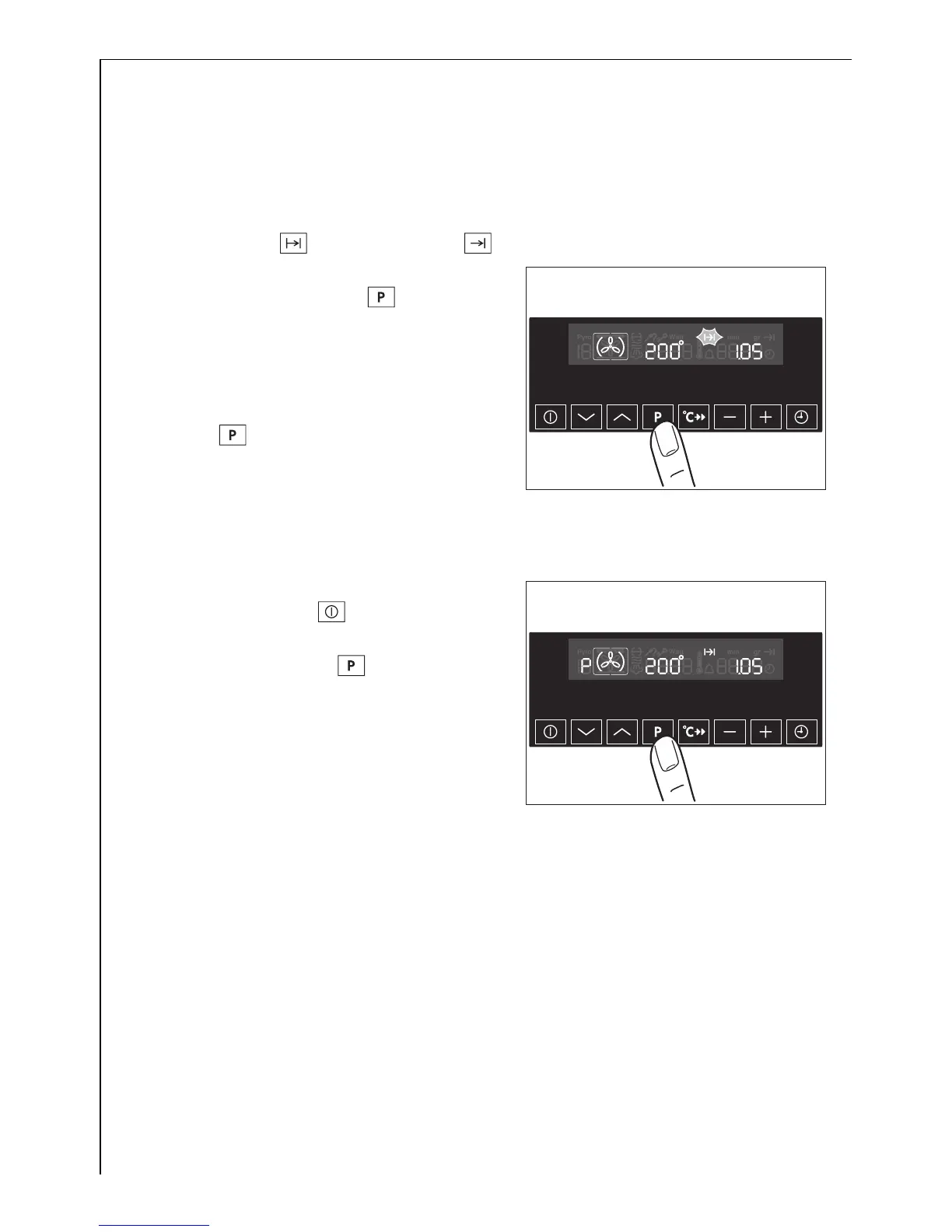
The Memory function can be used to save a setting which is fequently
used.
1. Set oven function, temperature and if necessary the clock functions
Cook time and/or End time .
2. Press and hold the Baking/Roasting
Programmes button for
approx. 2 seconds, until an acoustic
signal sounds. The setting is saved.
3 To save another setting, press the
Baking/Roasting Programmes but-
ton for approx. 2 seconds. The
previously saved setting is replaced
by the new one.
Starting the Memory function
1. Switch the oven on using the
button On/Off .
2. Using the baking/roasting pro-
grammes button call up the
saved setting.




 To Next Page