32
7.2 CONTROL PANEL
7.2.1 OVERVIEW
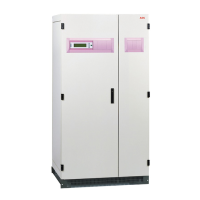
An essential feature of the control panel is the graphical LCD with plain
text display. In the lower section 4 buttons are available for menu
navigation, the upper range also includes 3 different colored LEDs.
Fig.: Display “UPS status” display
7.2.2 INDICATORS (LEDS)
The indicators (LEDs) show the following different modes:
Display Status Description
Red (flashing) Warning
Red
(permanently on)
System error
Yellow and Green
(permanently on)
Battery mode
Green
(flashing)
Bypass mode /
ECO-mode
Green
(permanently on)
Normal mode
(double-conversion)



 To Next Page
 Loading...