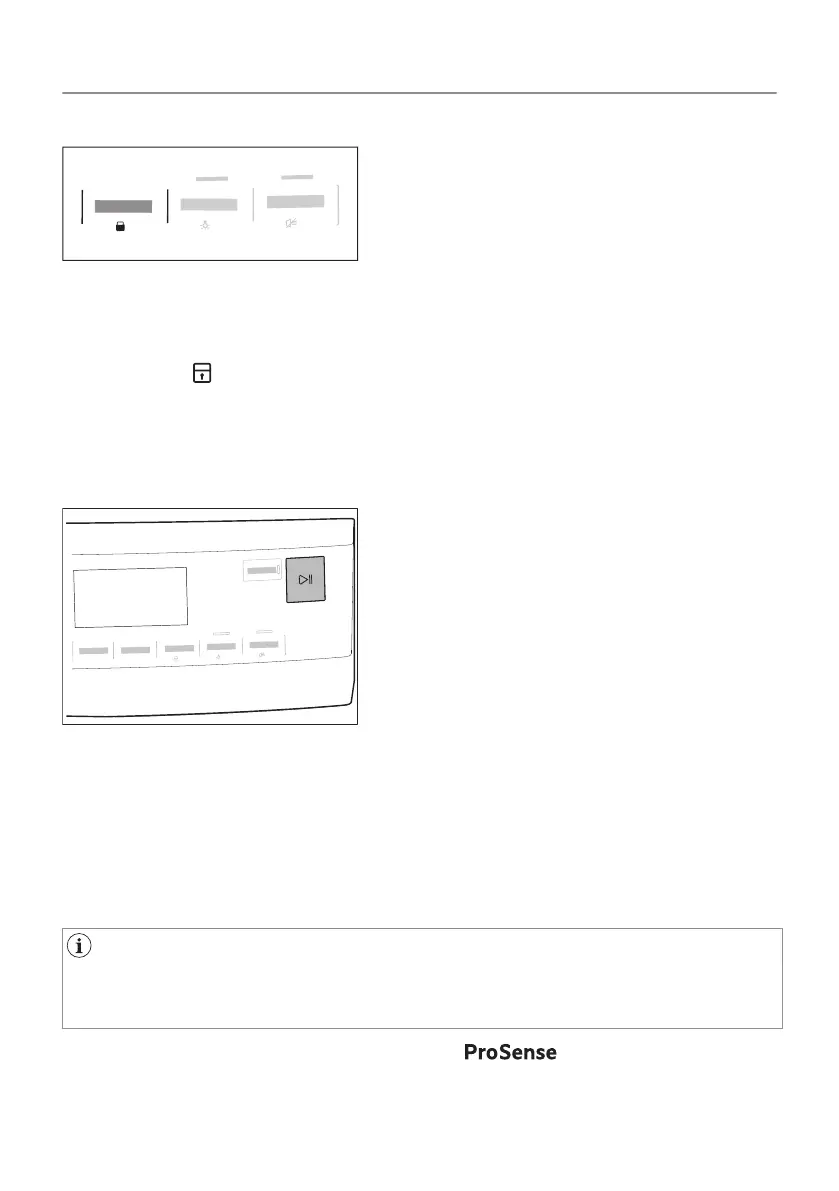
Child lock option activation:
1. Turn the dryer on.
2. Select 1 of the available programs.
3. Touch and hold down Knitterschutz button by around 3 seconds.
The symbol appears on the display.
4. To deactivate the child lock, touch the above button again until
the symbol disappears.
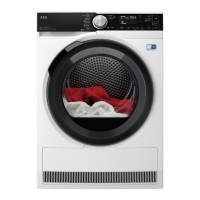
8.8 Starting a program
To start the program:
Touch the Start/Pause button.
The appliance starts and the LED above the button stops flashing
and stays on.
8.9 The ProSense load detection
The ProSense The ProSense technology detects the laundry
load size defining the programme duration.
After setting a drying programme, the icon lights up on the
display if the programme supports it.
35/64
DAILY USE



 To Next Page