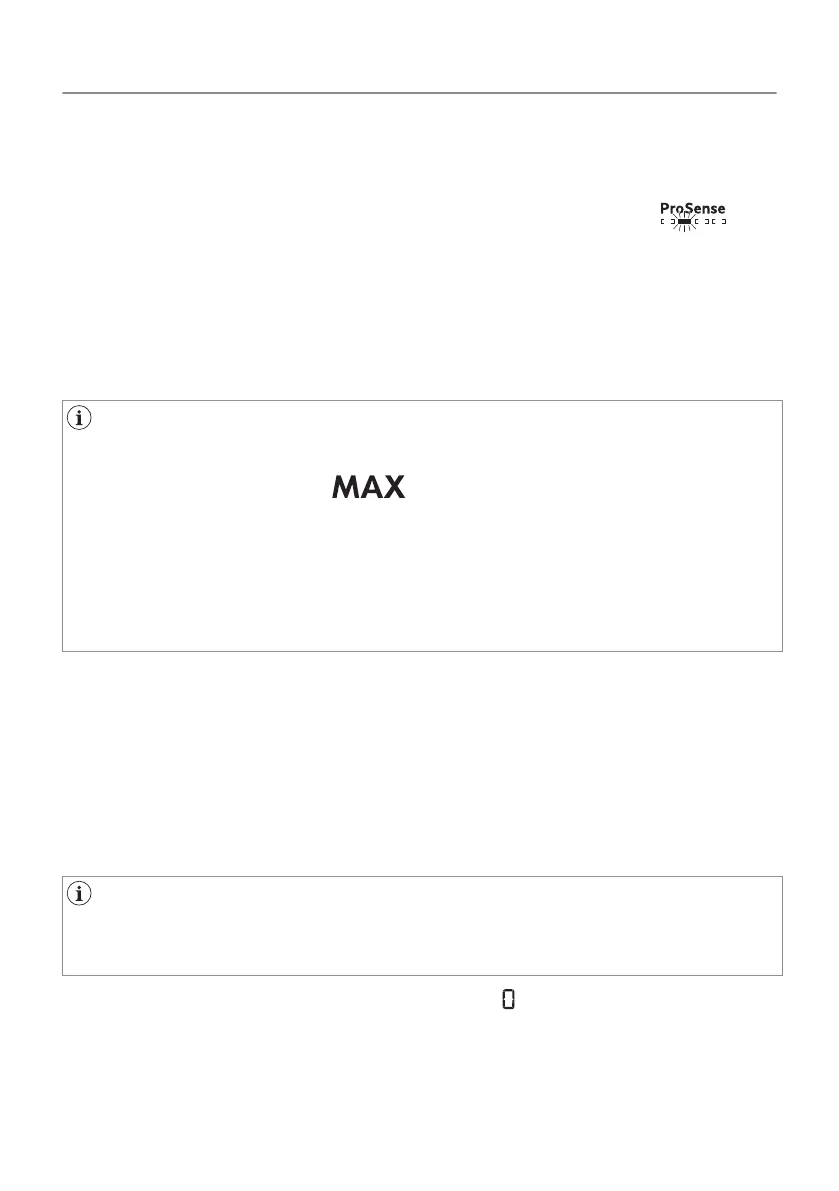
Touching the Start/Pause button, the ProSense starts the laundry
load detection:
1. The appliance detects the load in the first minute: the indicator
flashes, the bars under the icon move back and forth and
the drum rotates shortly.
2. When the drum stops rotating, the display shows the new
programme duration adjusted according to the detected load.
The number of bars, from 1 to 4, represents the estimated load
amount. 4 bars represent the maximum load amount for the
selected programme.
In case of drum overload, the maximum declared load indicator
comes on again with the indicator blinking. In this case,
during these 30 seconds, it is possible to open the door and
remove the exceeding garments. Once removed, touch the
Start/Pause button to start the programme again. If the laundry
amount will not be reduced, the programme starts anyway. In
this case, it will be not possible to guarantee the best results.
8.10 Program change
To change a program:
1. Push the Ein/Aus button to turn the appliance off.
2. Push the Ein/Aus button again to turn on the appliance.
3. Set a new program.
8.11 Programme end
Clean the filter and drain the water container after each drying
cycle. (See chapter CARE AND CLEANING.)
If the drying cycle is finished, the symbol appears on the display.
If the Signal option is activated, the acoustic signal sounds
intermittently for 1 minute.
36/64
DAILY USE



 To Next Page