h Installing 3.5” HDD
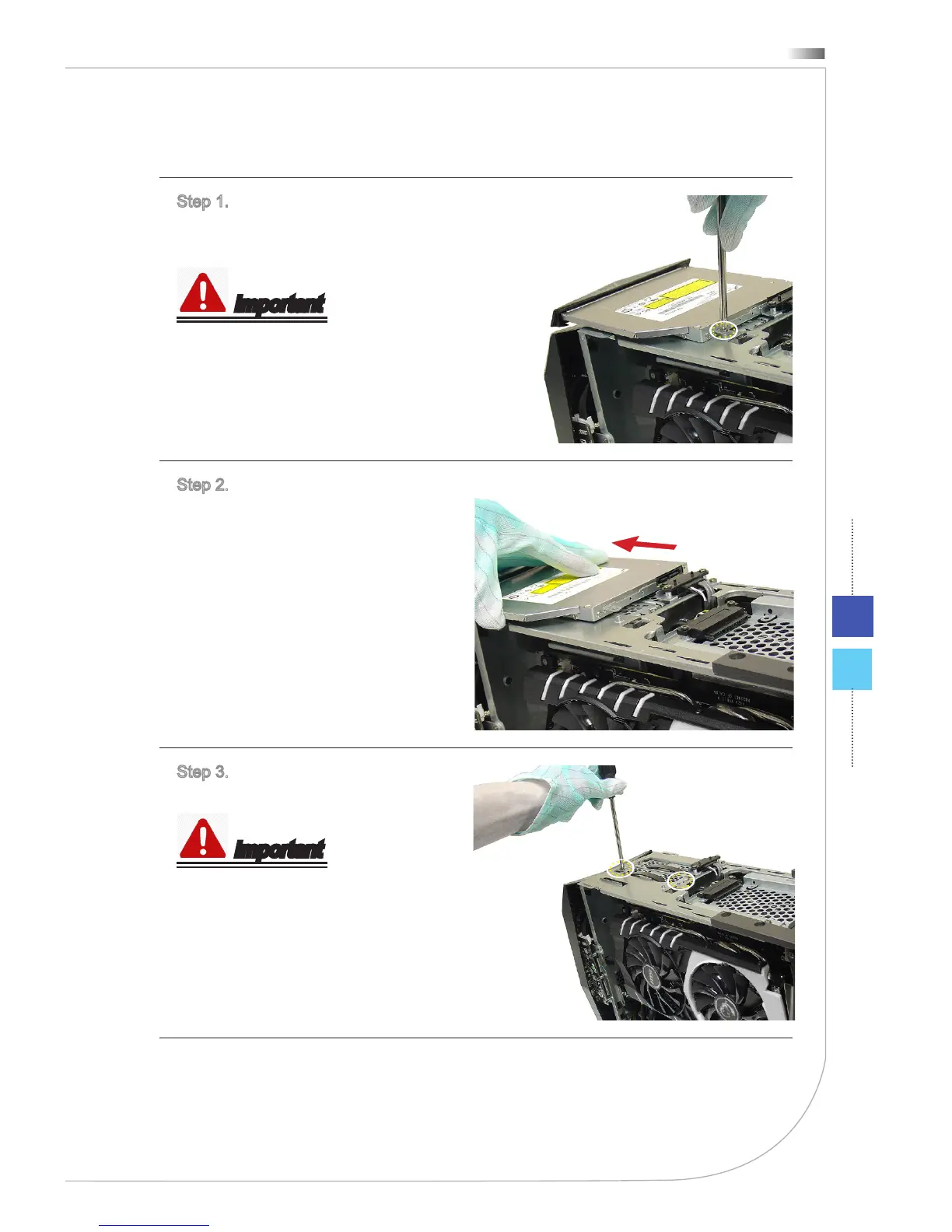
Step 1. Before installing the 3.5” HDD,
remove the ODD rst. Unlock the
screw.
Important
M3X4 screw * 1.
Step 2. Unplug the serial ATA &
power connectors; and then, remove
the ODD.
Follow the above procedures in re-
versed order to replace the ODD.
Step 3. Unlock the screw and pull the
plastic strap of the 3.5” HDD bay.
Important
M3X4 screws * 2.



 To Next Page