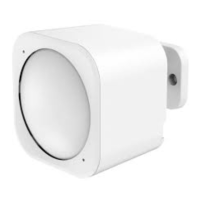
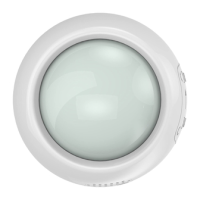
With your MultiSensor 6 now a part of your Z-Wave network and having determined its installation location, it's time
to finish its physical installation. There are 2 ways that your MultiSensor 6 can be mounted on a wall or ceiling. Most
simply it can be placed upon a shelf without the need to attach further accessories. You can mount your sensor in a
corner or against a wall or ceiling by using the Back-Mount Plate. It's also possible to embed your MultiSensor 6
within a ceiling or wall using its Recessor accessory (sold separately).
To install your MultiSensor 6;
Reattach the three parts of your MultiSensor to each other. Unlock the Battery Cover from the Sensor unit.
You may also install your Multisensor 6 on any flat surface area such as tables, and bookshelves;
You can place it upon a shelf without the need to attach further accessories.
To install your MultiSensor 6 with the Back-Mount Plate;
1. You can affix the Back-Mount Arm by Double-Sided Tape or using the provided KA2.5×20 mm screws.



 To Next Page