79
NORM NO DECOMPRESSION DIVE MODE
When the Wet Activation feature is set ON, the Manta will enter the NORM No
Decompression Dive Mode any time a descent is made to 5 FT (1.5 M) for 5
seconds.
When the Wet Activation feature is set OFF, the Manta will not enter Dive Mode
upon descent unless it is operating in one of the NORM Dive Computer modes
(menus) at that time. Modes such as Surface Mode, Plan, Fly, etc.
At any time during the dive -
Press the L button to activate the Backlight.
Press/release the S button to acknowledge/silence Alarms.
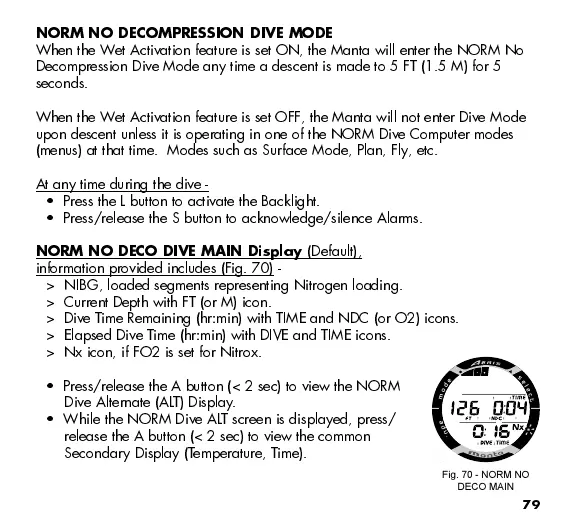
NORM NO DECO DIVE MAIN Display
(Default),
information provided includes (Fig. 70) -
> NIBG, loaded segments representing Nitrogen loading.
> Current Depth with FT (or M) icon.
> Dive Time Remaining (hr:min) with TIME and NDC (or O2) icons.
> Elapsed Dive Time (hr:min) with DIVE and TIME icons.
> Nx icon, if FO2 is set for Nitrox.
Press/release the A button (< 2 sec) to view the NORM
Dive Alternate (ALT) Display.
While the NORM Dive ALT screen is displayed, press/
release the A button (< 2 sec) to view the common
Secondary Display (Temperature, Time).
Fig. 70 - NORM NO
DECO MAIN



 To Next Page