23
7.14 ACTIVATING MODE FORCING (FORCE MODE)
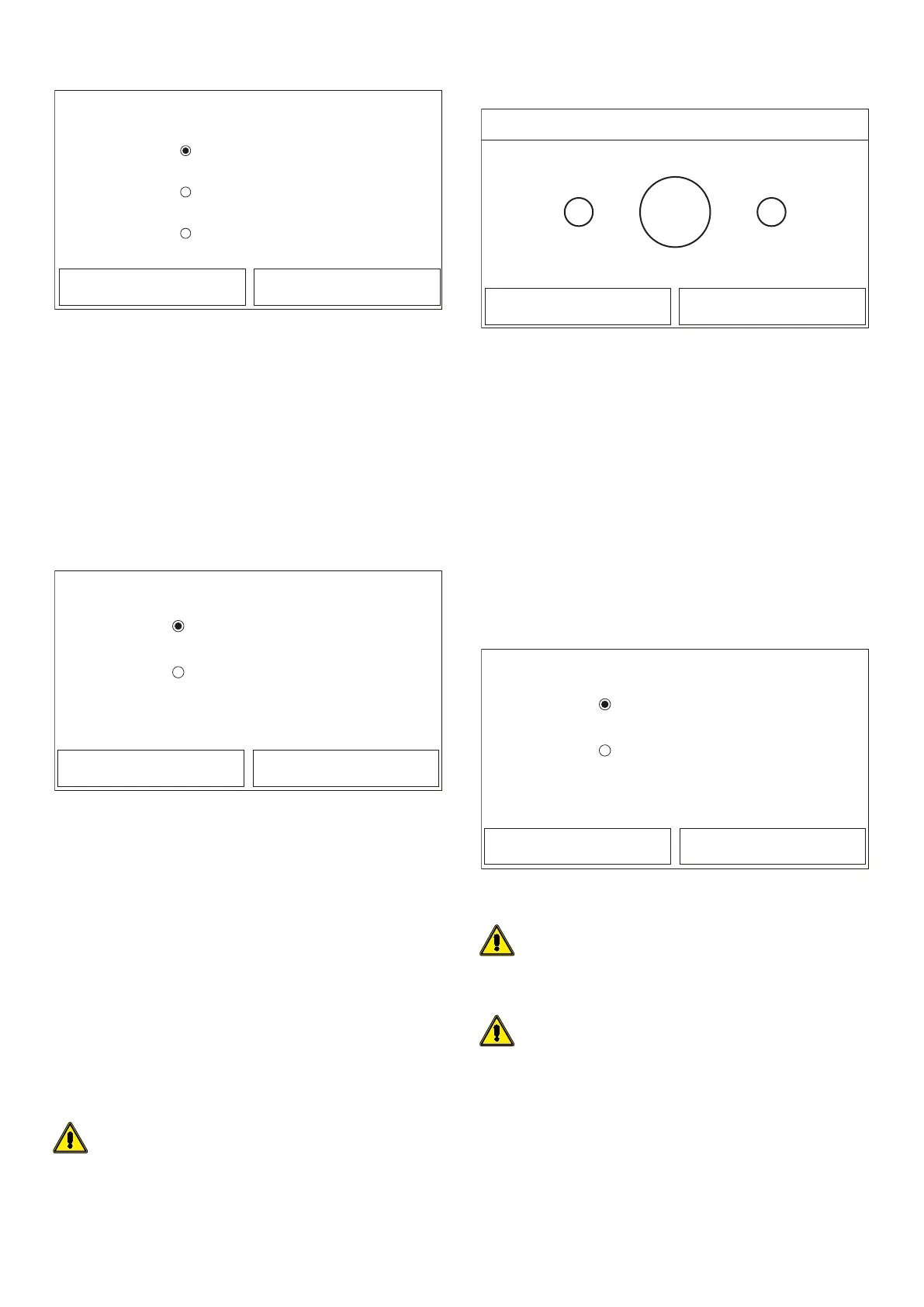
Force mode
Force cool
Force heat
O
OK Cancel
After accessing the "Force mode" function, you can activate or deactivate the com-
mand to execute the specic heating or cooling function. Make your selection, then
press “OK” to conrm.
NOTE:
1. This function can only be activated if the unit is switched O after a re-start;
2. The unit status (On/O) cannot be modied while this function is in progress;
3. If the relative function is activated (paragraph "8.3 Activating/deactivating
the memory (On/o memory) p. 25"), the value of these parameters will
be stored in the memory and automatically reset after any possible voltage
failure.
7.15 ACTIVATING AUXILIARY DEVICE MANAGEMENT (GATE-
CTRL)
Gate Ctrl.
On
O
OK Cancel
After accessing the “Gate-Ctrl” function, you can activate or deactivate the manage-
ment of the switch-on/switch-o command via the external contact (for more in-
formation about this contact, refer to the installation manual). Make your selection,
then press “OK” to conrm.
NOTE:
1. This function must only be activated if an auxiliary device is installed; other-
wise the unit will be blocked;
2. When this function is active, the unit will only receive operating consent when
the circuit on the dedicated terminals (for more information, refer to the instal-
lation manual) is CLOSED. The display will show a message if you attempt to
start an operation while the circuit is OPEN;
3. If the relative function is activated (paragraph "8.3 Activating/deactivating
the memory (On/o memory) p. 25"), the value of these parameters will
be stored in the memory and automatically reset after any possible voltage
failure.
7.16 SETTING OF MAX. ABSORPTION (A/P LIMIT)
Function currently NOT AVAILABLE.
WARNING: this function is not currently available, so its setting must nec-
essarily be “O ”.
7.17 SETTING THE SERIAL ADDRESS OF THE UNIT
(ADDRESS)
+-
1
OK Cancel
Address
Range: 1~153 Default: 1
After accessing the “Address” function, you can set the address assigned to the unit
for possible control via Modbus. To set the required value, use the "+" and "-" keys,
entering a value within the permitted range. After setting the value, press “OK” to
conrm and return to the higher level.
NOTE:
1. The unit can be used to create a BMS supervision system with the Modbus
protocol (for more information, refer to the specic documentation available
on the website);
2. If the relative function is activated (paragraph "8.3 Activating/deactivating
the memory (On/o memory) p. 25"), the value of these parameters will
be stored in the memory and automatically reset after any possible voltage
failure;
3. At the rst start-up, the address will be “1”;
4. The address can be selected between 1~125 or 127~253.
7.18 SETTING THE REFRIGERANT RECOVERY FUNCTION
(REFRI. RECOVERY)
On
O
OK Cancel
After accessing the "Refri. recovery" function, you can activate or deactivate the
recovery and storage of refrigerant inside the unit.
WARNING: this function is only useful only if technical maintenance in-
tervention on the unit is required; consequently, it must only be activated
by personnel authorised to provide technical assistance and/or install the
units.
WARNING: this function should only be used by technical assistance per-
sonnel. In addition, remember that this function is not stored in the mem-
ory.



 To Next Page