14
in.tune instructions
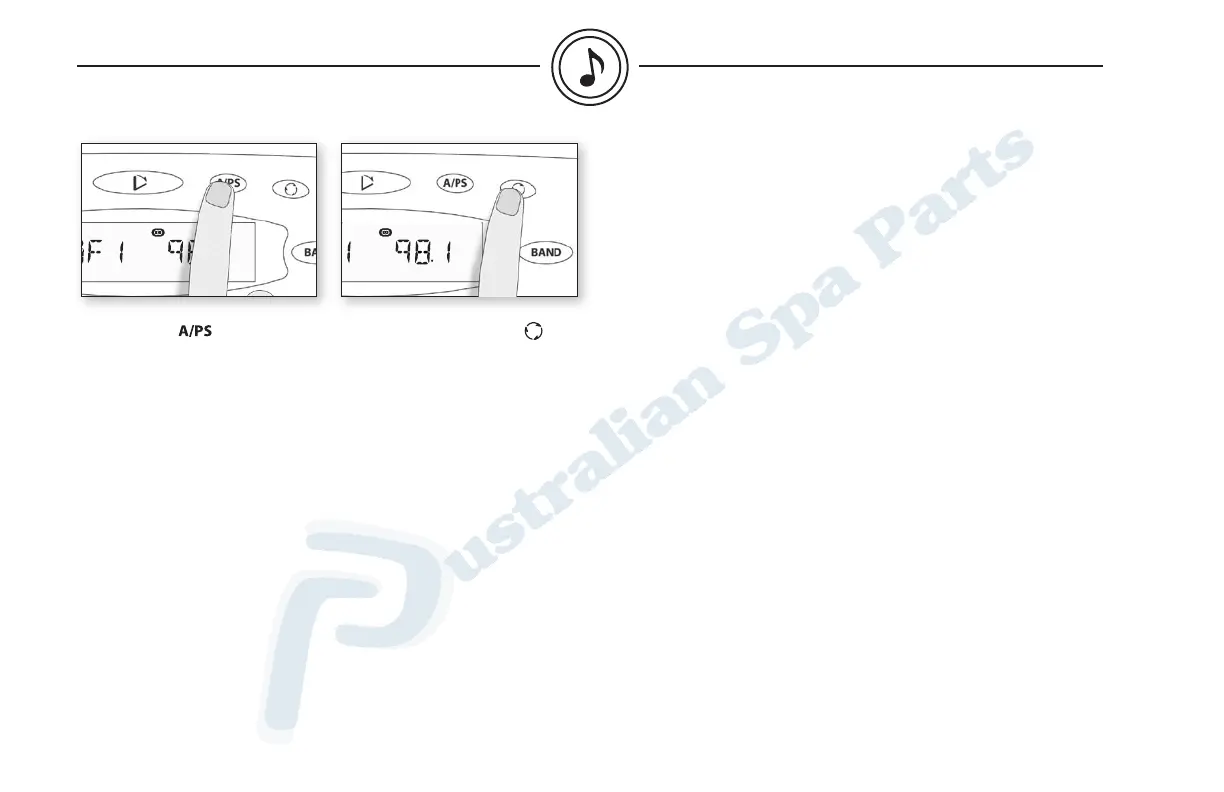
Auto scan
Press A/PS to scan preset
stations. The tuner will scan
up and wait for a few seconds,
then scan up again.
Once the desired station is
found, press A/PS again to stop
Scan mode.
Pressing and holding A/PS
will scan and store stations
automatically in each memory
(6) of the selected band.
Display information
Press Display to switch
between the following
display information:
Frequency - Clock (clock is
displayed for 5 seconds only).
radio mode


 To Next Page