22
in.tune instructions
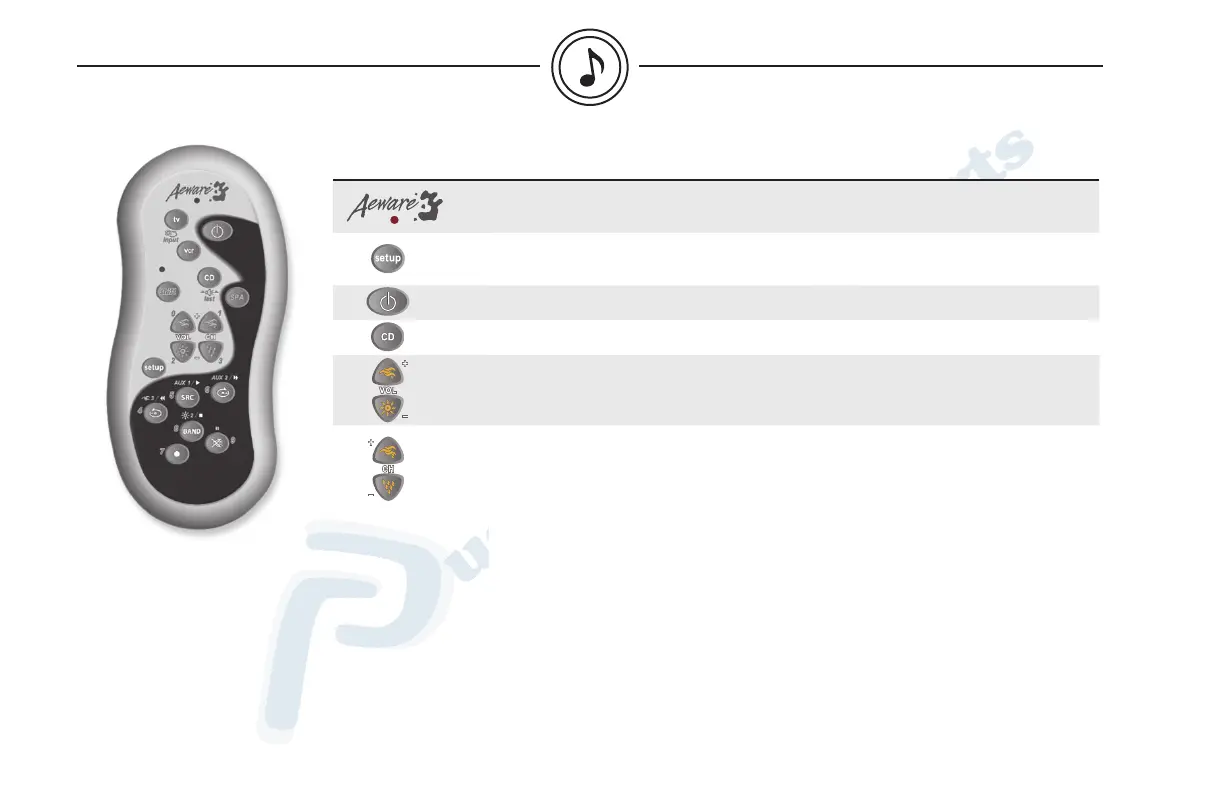
Key/Icon Description
When pressing a key, the red LED blinks to show that the remote control is
working properly and sending signals.
Use setup for all programming sequences. Refer to the remote control (IRMT-4)
instructions manual for detailed explanation on programming sequences.
Press Power to turn system on or off.
Press CD to control the in.tune*.
Press VOL + or - to increase or decrease volume.
Radio mode:
Press CH + or - to go to the next or previous preset station. Press and hold CH +
or - to make a seek up or down to the next station. Scan mode stops as soon as a
strong station is found.
Weather band mode:
Press CH + or - to go to the next or previous memorized station.
CD mode:
Press CH + or - to change music track. Press and hold Track Up or Down to fast
forward or rewind.
MP3 mode:
Press CH + or - to select file up or down.
Sold separately
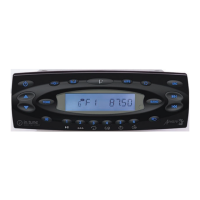
* The code for your in.tune is 0101.
basic operations of optional IR remote control (IRMT-4)


 To Next Page