23
in.tune instructions
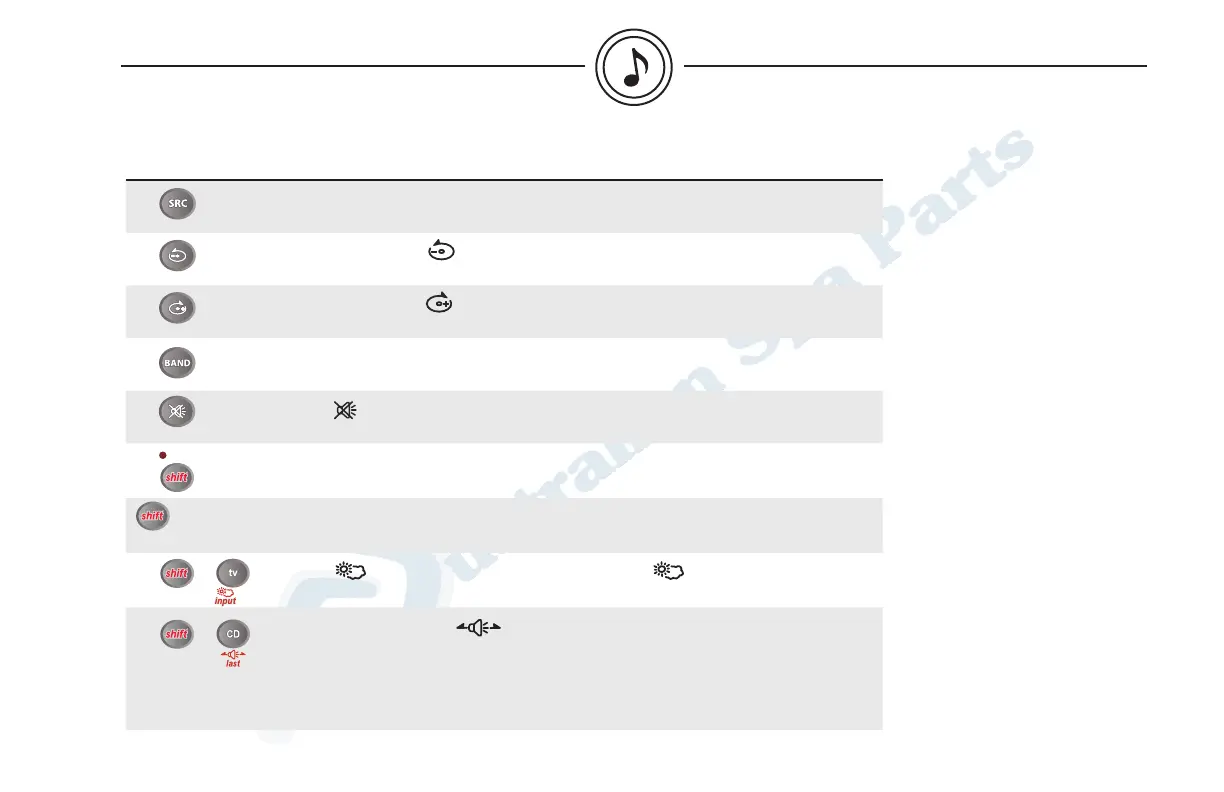
Key/Icon Description
Pressing SRC will allow you to select a source between the following (in order):
Tuner, CD, Aux.
MP3 mode: Press to select folder down.
MP3 mode: Press to select folder up.
Radio mode: Press BAND to select between FM1, FM2, FM3, AM1, AM2 and
WB (weather band).
Press to mute the audio output.
Press again to return to previous volume level.
While holding shift, press one of the following keys to select secondary
functions (the LED lights up above key).
Radio mode: Use these keys (1-6) to recall the stored stations. Any station may
be preset simply by pressing and holding one of the keys (1 to 6).
Press to access Weather band mode. Press again to turn off weather
band radio and return to previous mode.
Successive presses on will allow you to select from one of the following
adjustments:
FAD-FRONT: Front speaker only.
FAD-REAR: Rear speaker only.
FAD-ALL: Front and rear speakers.
+ 1,2,3,4,5,6+ 1,2,3,4,5,6
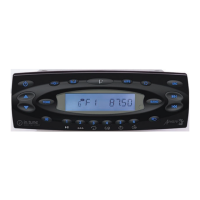
basic operations of optional IR remote control (IRMT-4)


 To Next Page