16
in.tune instructions
Auxiliary input
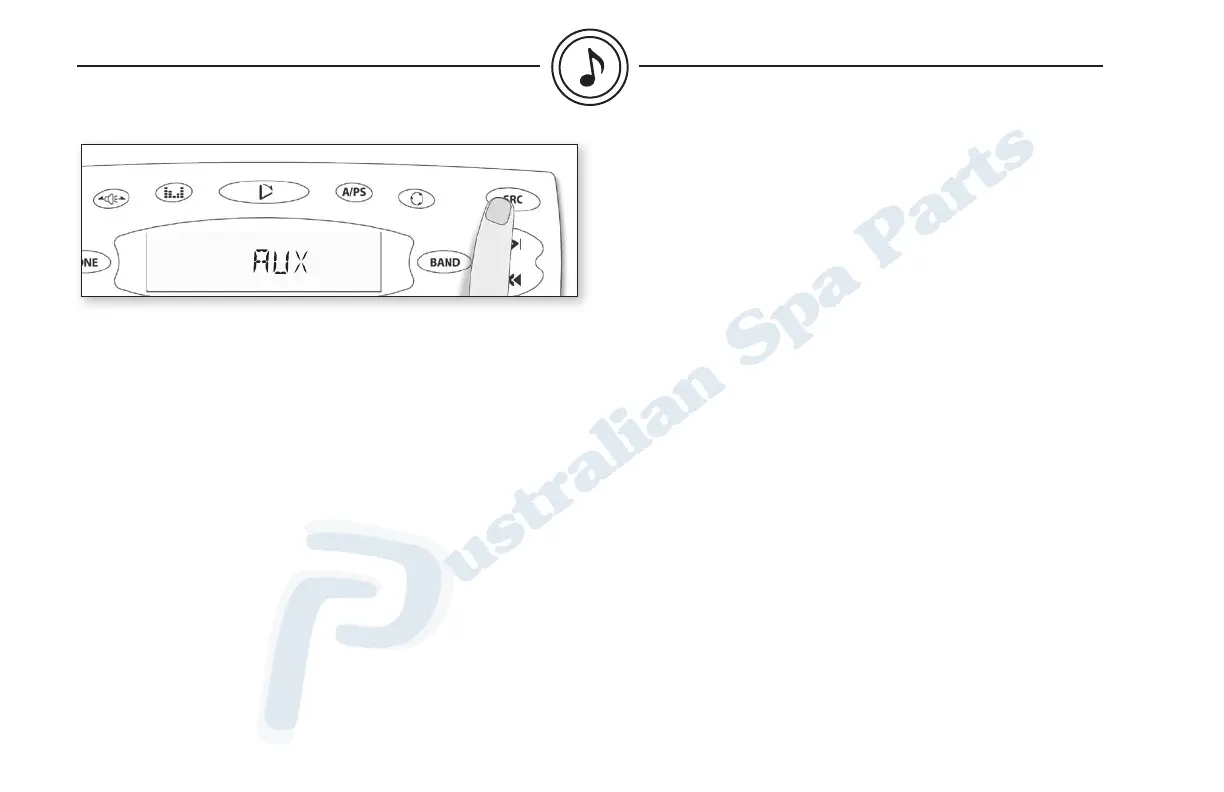
Press SRC until the display reads "AUX", which indicates that the
auxiliary unit is playing.
This mode allows to play sound from external source such as a TV,
video, etc. (please refer to "installation & connections" section for
the connection of such external devices).
auxiliary mode



 To Next Page