19
in.tune instructions
Display information
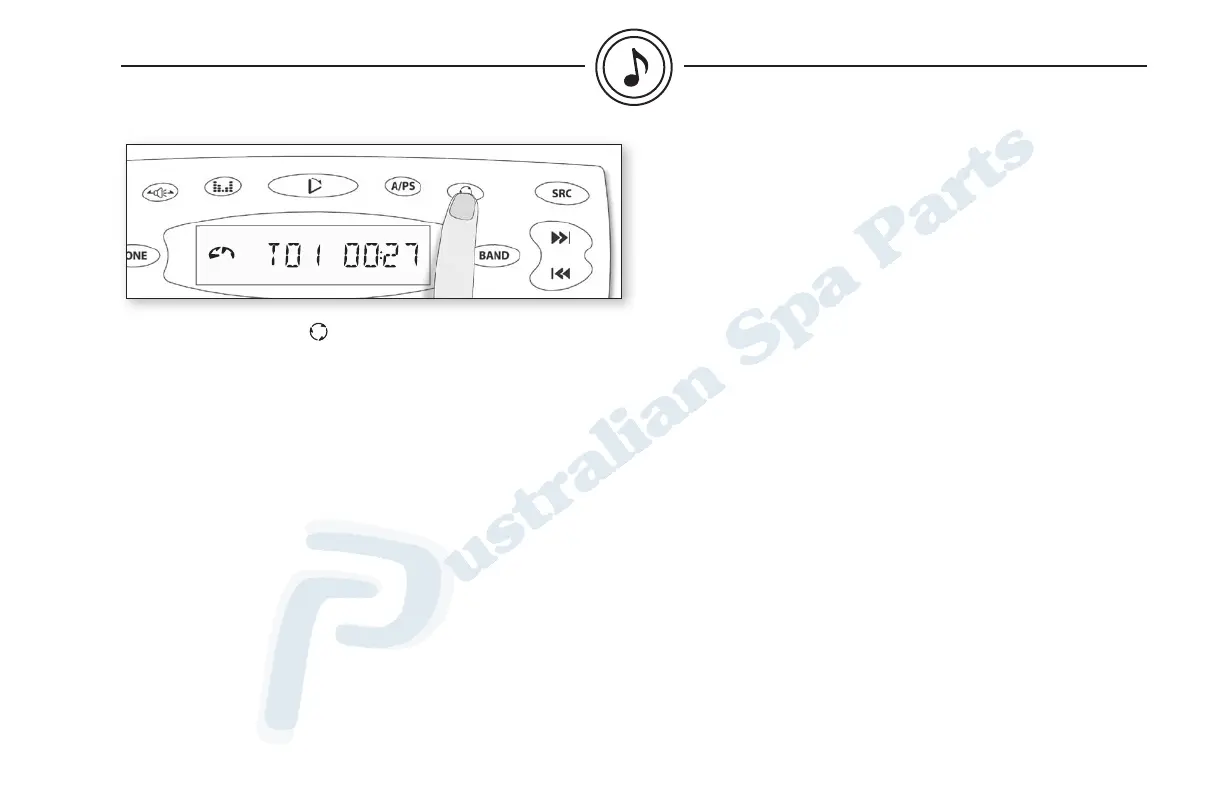
Press Display to switch between the following display information:
Track no. / Playtime - Clock (clock is displayed for 5 seconds only).
If you inserted a CD containing MP3 files, a different display info
will appear if you press Display:
Track no. / Playtime – Folder no. / Track no. – Folder name – File
name – Song name – Artist’s name – Album name - Clock (clock is
displayed for 5 seconds only).
The system can only display the first 8 letters of ID3 tags. If the
recorded information is longer than 8 letters, text will scroll to the
left once, then the 8 first letters will be displayed.
If specific info has not been recorded on an MP3 disc, NO FOLD,
NO TRK, NO TLT, NO ALBM, NO ART will be displayed.
cd mode


 To Next Page